Cannot sign a transaction to send bitcoin… Quantumlink shows inactive and I can see my wallets on Envoy and on Passport prime I just cant get them to connect. I tried scaning the dynamic qr code from the Connect Envoy screen as if I am trying to connect a new PPP and get error code Failed to connect. Please advise and yes I have updated PPP to 1.3.0 and Envoy to 2.3.0
Hey, the cleanest approach if you find yourself stuck is to completely disconnect both sides, then reconnect.
On Passport Prime open the Settings Menu with two lines in the bottom left corner of the home screen, then tap on the connection status and choose to disconnect/unpair.
On your phone:
iOS:
-
Open the Settings app.
-
Tap Bluetooth.
-
Find Passport Prime in the list of paired devices.
-
Tap the info (i) button next to it.
-
Tap Forget This Device, then confirm.
Android:
-
Open the Settings app.
-
Tap Connected devices (or Bluetooth depending on your device).
-
Tap Previously connected devices if Passport Prime is not shown in the main list.
-
Find Passport Prime and tap the gear/settings icon next to it.
-
Tap Forget (or Unpair), then confirm.
At this stage Passport Prime should be showing a static QR code. If it is, open the devices page in Envoy, tap the + then go through the two step connection flow.
Static QR code scan > Add accessory on your phone > Animated QR code scan > Success
Let me know how things behave after you do this. If it fails, please contact support with a copy of your Envoy and Passport Prime logs. hello@foundation.xyz
Got it connected but the signing screen to send Bitcoin to another wallet does not show up on PPP. do I need to be in a certain setting or does it just appear on the main screen?
Got it connected but the signing screen to send Bitcoin to another wallet does not show up on PPP. do I need to be in a certain setting or does it just appear on the main screen? Now it has disconnecte3d again will try later today… Im tired.
Just open the bitcoin wallet app and the transaction request should display. Let me know how it goes.
Finally got the signing done. However the QuantumLink is now Inactive again… there is no detail of the transaction. Please advise and what could be the cause of the Inactivity after a transaction?
When you say there’s no detail of the transaction, are you looking at the account in Envoy? That is where the details are displayed.
QuantumLink can switch to “Inactive” whenever the Bluetooth connection lapses, for example if the Passport screen sleeps, Envoy goes to the background, the two drift apart, or sometimes if your phone’s battery saver throttles Bluetooth. It reconnects on its own when both are awake and close together.
Do you have Envoy installed on a separate profile and/or private space?
Charged my PPP to the max and rechecked it and it has reconnected to envoy. Dont know if it was charging or was it because of close proximinty. I wonder how far away before it dsiconnects again and /or is there a timing of non-usage before it becomes Inactive again? By the way sent two nominal transactions and they both signed and are recorded in their respective wallets. Thank U… By the way I was looking for the Bitcoin Wallet App per Ur instructions above threw me when it is really labled ACCOUNTS. For this 67 yr old Boomer that designation Bitcoin Wallet App was to say the leastt was a bit of a challenge to find. Its too bad that under account details on the PPP that it does not give us Bitcoin account valuations… it looks like it should reflect in both places on the Envoy app and on PPPP… I’m just saying!
I had some similar issues with BT on my Google Pixel. Failing to pass the signing process to the Passport Prime. Though also had times where it worked flawlessly.
I looked in settings and couldn’t find a way to just sign txs via QR code. Is there a reason for this?
Certainly possible with QuantumLink. Something we do have on the back burner to discuss. Thanks for the suggestion.
Just a feature that we haven’t added (yet). We made it low priority because signing over QL is a far superior experience for 95% users.
Sometimes when turning on PPP the current Price of Bitcoin does not display in real time. What causes this?
Do you mean the price doesn’t show at all? Can you snap an image of what you see?
Also, keep in mind Passport needs an active quantumlink connection for the chart to display properly, which means you need to be within bluetooth range of Envoy and with both bluetooths on. In some android phones it might also mean having Envoy open, as Android is sometimes too strict about killing apps in the background - we have noticed iOS does a better job at keeping QuantumLink alive even with the iphone locked
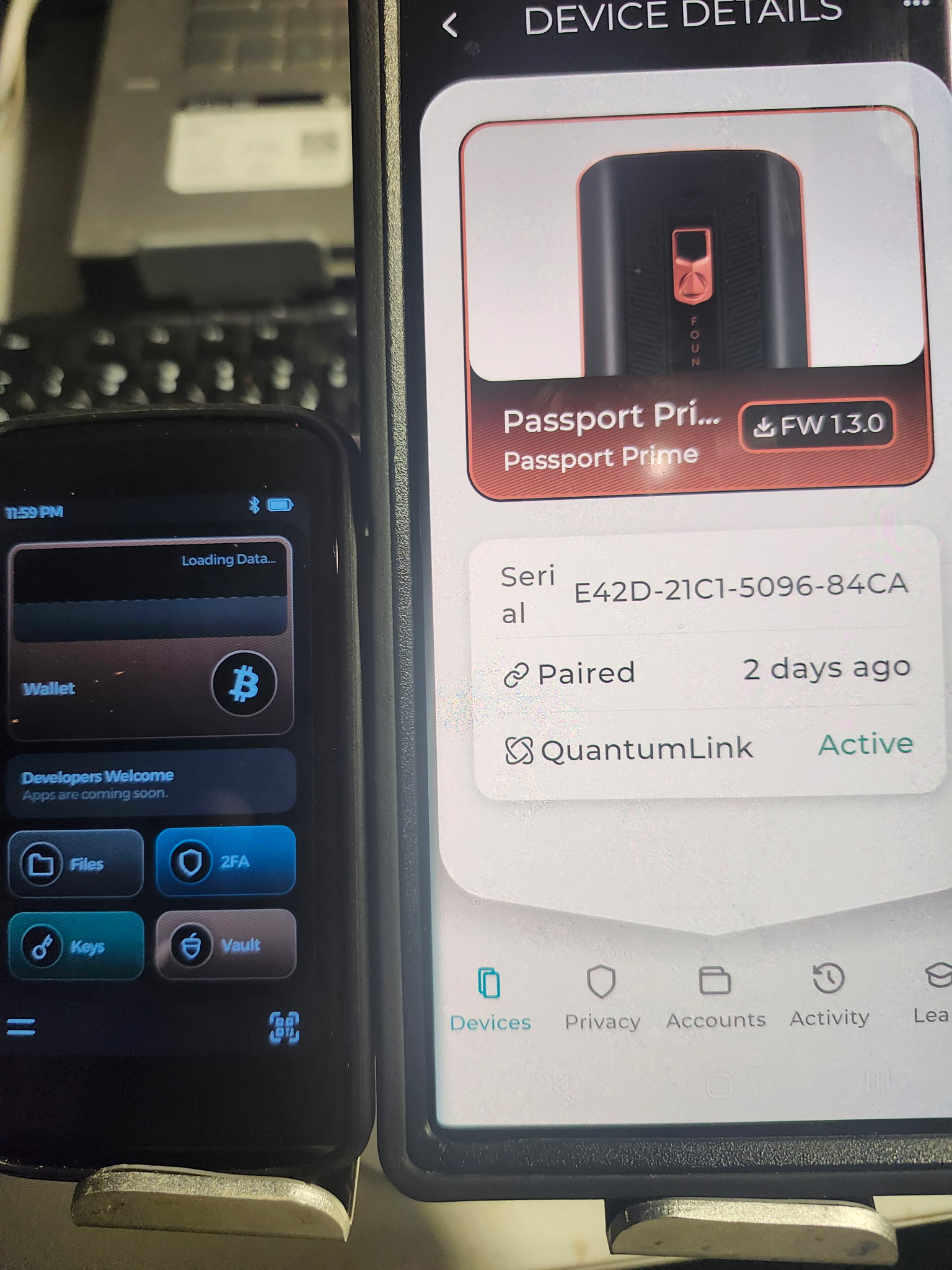
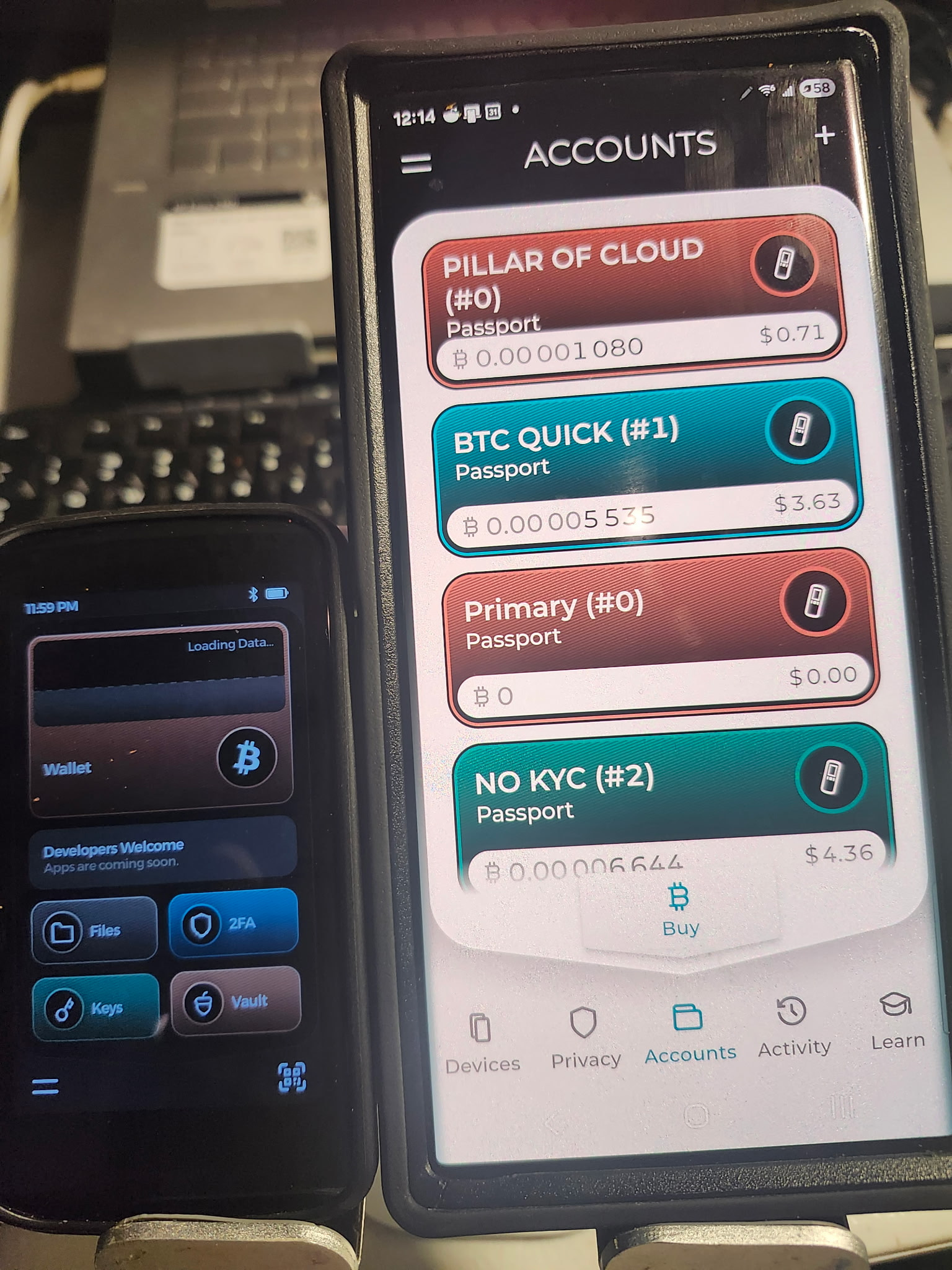
So I unpaired PPP and repaired back and the Bitcoin info returned to the screen.. will shut it down for tonight and then see it it comes back up tomorrow…
Please send support a copy of your Envoy and Passport Prime logs via email. We’d also be keen to know the phone make, model, operating system version and whether you have Envoy installed into any Android ‘private space’ or profile type arrangement.
hello@foundation.xyz
I own a Samsung S22 Ultra… Where do I find the Envoy and Prime logs?
Envoy - Two horizontal lines in top left > Settings > Advanced > View Logs (please attach them as a file, do not paste the whole thing into the body of the email)
Passport Prime - Two lines bottom left > Settings > Advanced > View Logs (Export as a file, move to Airlock, then connect to your computer)
Got it connected but the signing screen to send Bitcoin to another wallet does not show up on PPP. do I need to be in a certain setting or does it just appear on the main screen? Now it has disconnecte3d again will try later today… Im