Tried removing the phone from Bluetooth accessoires and erasing prime to initiate setup fresh multiple times with no success. Made sure envoy/prime was no longer paired with my phone like you mentioned. Tried scanning qr from envoy directly instead of the camera phone as well. Keeps failing when it tries to establish the quantumlink connection.
@Oracle when the app crashes, do you get an option to send the crash logs to the developer? If you do not, could you please grab a copy of your Envoy logs from the app settings and send them over to hello@foundation.xyz
Be sure to reference this forum thread and your username when doing so. Thanks!
Can you swipe down on Prime and double check Bluetooth is enabled? If it is, please send through your Envoy logs to hello@foundation.xyz referencing your username and this forum thread. @Panicseller
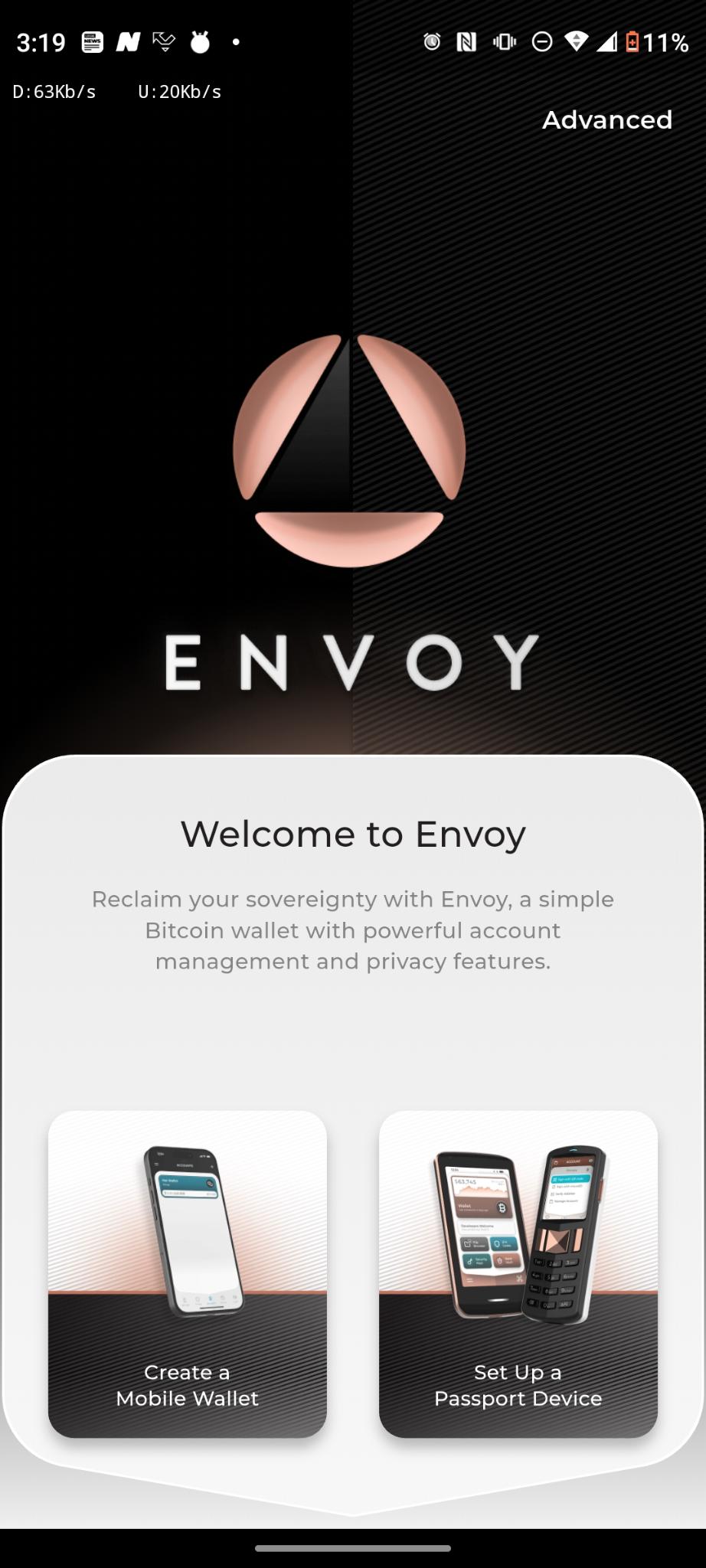
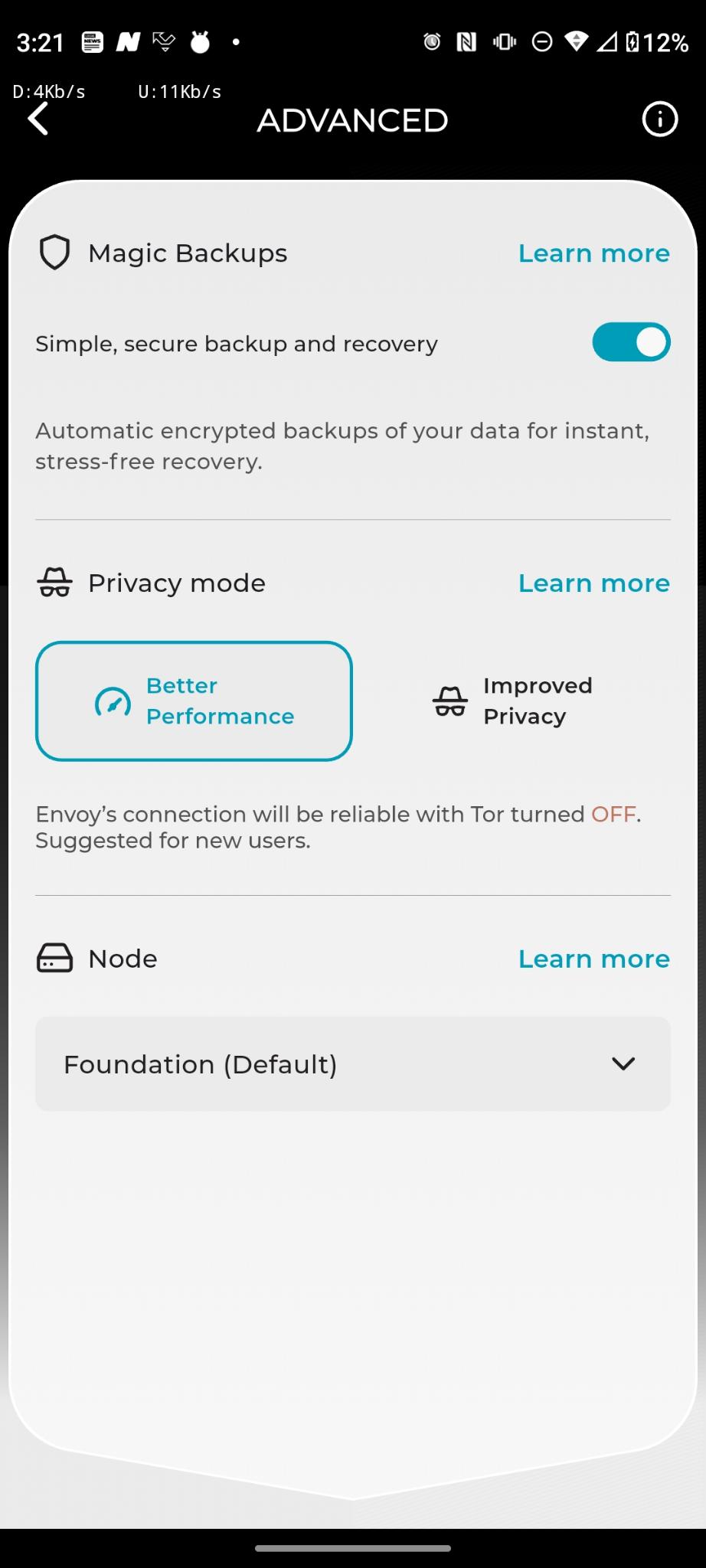
No, envoy crashes for good and disappears. There are only two pages I have access to right now in the envoy app. The main welcome to Envoy home screen then at the top upper right there is an “advanced” tab. When I click advanced there are no Envoy logs. I do not see any app settings tab/hamburger on the Envoy home screen. See attached screenshots.
Completed a hard reset on prime, same error occurs, once you try to connect to quantumlink the envoy app crashes immediately and the prime shows the moving qr code to scan for a second or two then reverts back to the onboarding initial qr code. I tried uninstalling envoy app and reinstalling a 3rd time with the same app crashing error upon pressing “connect with quantumlink”.
Before I uninstalled the app for the 2nd time I tried to set up a mobile wallet for fun, It ran through a bunch of “working” screens, then said my wallet was good to go and backed up on google, At that point I was able to go into settings and see a long log file. However, when I reinstalled envoy for the 3rd time after doing the prime hard reboot the mobile wallet page and access to settings is gone.
Hey @Oracle I am reading online that the Motorola One 5G Ace (Snapdragon 750G) has been reported to have BLE scan filter issues on Android 11, so it might a phone-specific thing we are looking into here. Let me open an internal ticket and explore this more closely with our developers, stay tuned - thank you!
@Panicseller let’s make sure there’s no stale bluetooth data from previous attempts. Please follow these steps, I know they might seem silly and you might have tried some of them, but sometimes being methodic and going back to the basics is what cracks these issues. Let’s try this:
Test 1: Force-quit Envoy + remove devices + Bluetooth cycle
On iPhone, swipe up from the bottom and hold to open the App Switcher
Swipe up on the Envoy app card to force-quit it
Open Settings > Bluetooth
Under My Devices, look for an entry named “Passport” or “Passport Prime”
Tap the (i) icon next to it
Tap Forget This Device
Confirm by tapping Forget Device
If there are multiple “Passport” entries, repeat steps 4-6 for each one — stale entries from previous erase/re-pair attempts could be the problem
Toggle Bluetooth off
Wait 10 seconds (this gives bluetooth time to tear down all connections and clear the state)
Toggle Bluetooth back on
Wait for the Bluetooth status to show “On” (not “Searching…” — wait until it settles)
Confirm there’s no Passport or Passport Prime under My devices
Also check Settings > Privacy & Security > Bluetooth — confirm Envoy is listed and has permission enabled. If not, toggle it on. I have an older version of iOS and couldn’t find it here, but afact these should be the steps to find it in 26.4. Essentially we want to make sure Envoy has bluetooth permission enabled.
Open Envoy
On Passport Prime, make sure BLE is enabled (scroll down from the control center and check the bluetooth icon is on) and the device is on the pairing screen, the static QR
In Envoy, tap Connect and proceed with the pairing flow
Test 2: Full iPhone restart
Force-quit Envoy first
Press and hold the Side button and either Volume button simultaneously until the power slider appears
Slide to power off
Wait 30 seconds after the screen goes fully black (this ensures Bluetooth hardware fully resets and the ASAccessorySession state is cleared from memory)
Press and hold the Side button until the Apple logo appears
Wait for the iPhone to fully boot and unlock
On Passport Prime, erase and start fresh setup — navigate to the pairing screen
Hey @Jack I ran it through claude and chatgpt, nothing specific for M1 5g ace challenges but quite a few BLE scan filters with Android 11 issues (whatever BLE scan filters are. I’m not a programmer). I’d hate to buy a new phone, this is the most reliable trouble free phone I’ve owned in a long time even though it’s stuck on Android 11. It’s my daily driver/business workhorse with everything on it.
I can’t promise anything, but based on some initial research it looks like there might be some specific android 11 hacks we could pull off on our end. We’ll see what the devs say and report back, thank you for the patience!
Please try and export the log by tapping export on the top right corner and send it to hello@foundation.xyz. Or i can dm you if you prefer to send it over here. Thanks!
Hi @Jack , I just sent the logs.txt to hello@foundation.xyz. The log just keeps repeating the same thing over and over again. There’s like 50+ entries in the log file. All say the same thing.