Bluetooth - Can you confirm which Envoy version your phone is running? Does it continue to fail at the same step during onboarding, if so, when is that? What error are you seeing when the ‘bluetooth keeps failing’?
Burn in - We’ve seen this once before and it disappears on its own after a few hours of use. If this does not happen, please do let us know and we’ll look at an alternative solution.
After scanning the QR code on prime it recognizes it and prompts me to start setup, then you get the quantumlink and it fails there, prompting me to to dismiss or retry.
Hopefully the burn in clears on its own, will revisit if it doesn’t thank you
I can also state I’ve been having Bluetooth instability. It looks like on envoy I am going in and out of active status. Holding closer didn’t seem to matter.
new Prime arrived . Trying to establish QuantumLink Connection but am not able to.
Downloaded Envoy on Andrroid .
Run Envoy , Setup Up a Passport Device
Prime is on scan to continue screen with the animated QR code
On Envoy I select Setup and the camera comes on
Scanning the animated QR code is not working
Tried different lighting conditions , distances but no avail. I knwo teh qr animated code is working ok. If i use my phone camera outside envoy i can see the that it picks up QR with links : UR:ENVELOPE/XXX where xxx changes everytime the qr code changes .
I think there might be a stale device connection in your phone’s bluetooth accessories, driven by a failed onboarding in the past. Best to completely remove it, then restart Prime and begin everything from scratch.
On the phone:
Open Settings
Tap Connections
Tap Bluetooth
Under “Paired devices,” find the Prime device
Tap the gear/cog icon next to it
Tap Unpair
On Prime:
Power off Passport Prime by pressing and holding the power button until the device shuts down.
Power the device back on with a single tap of the power button.
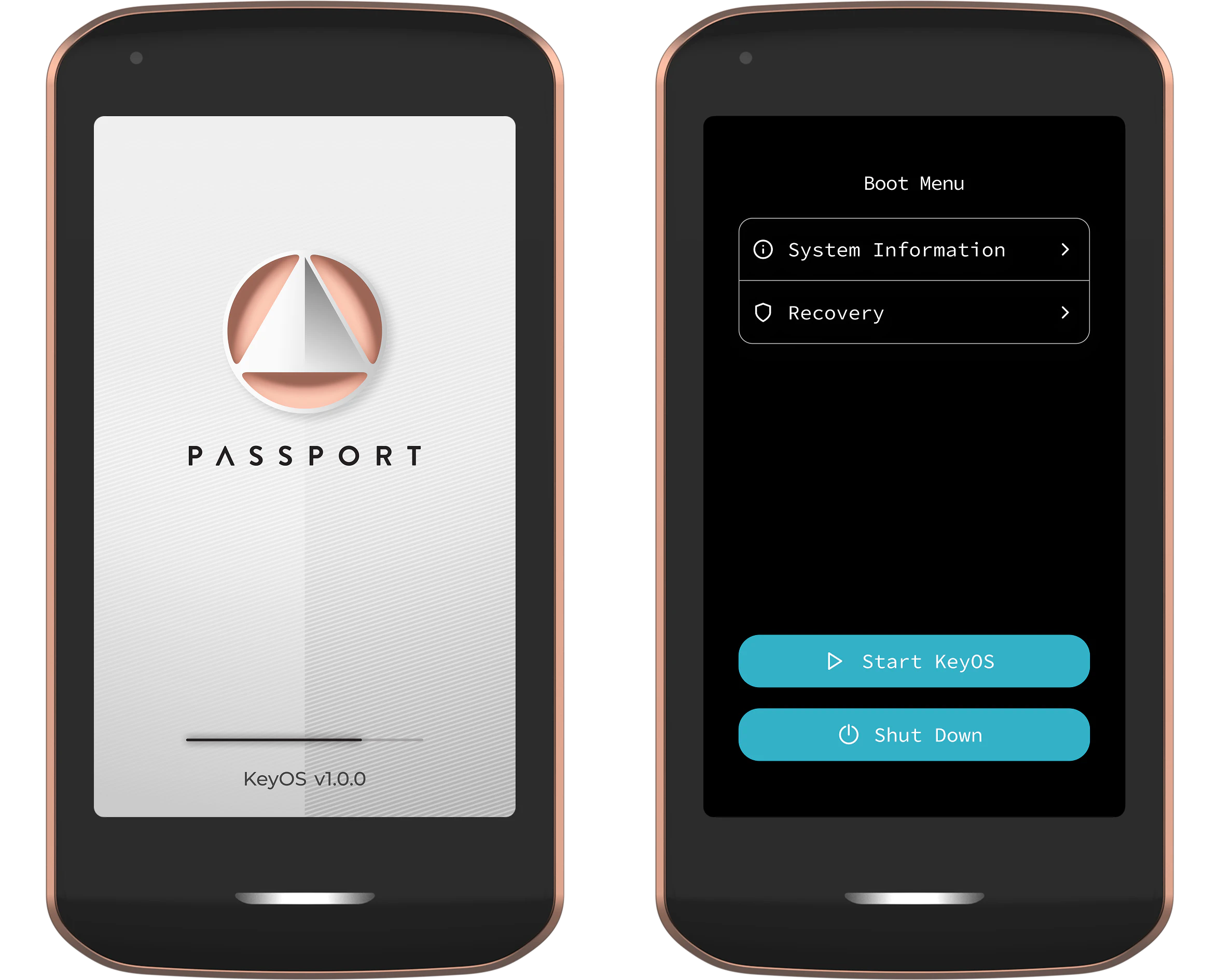
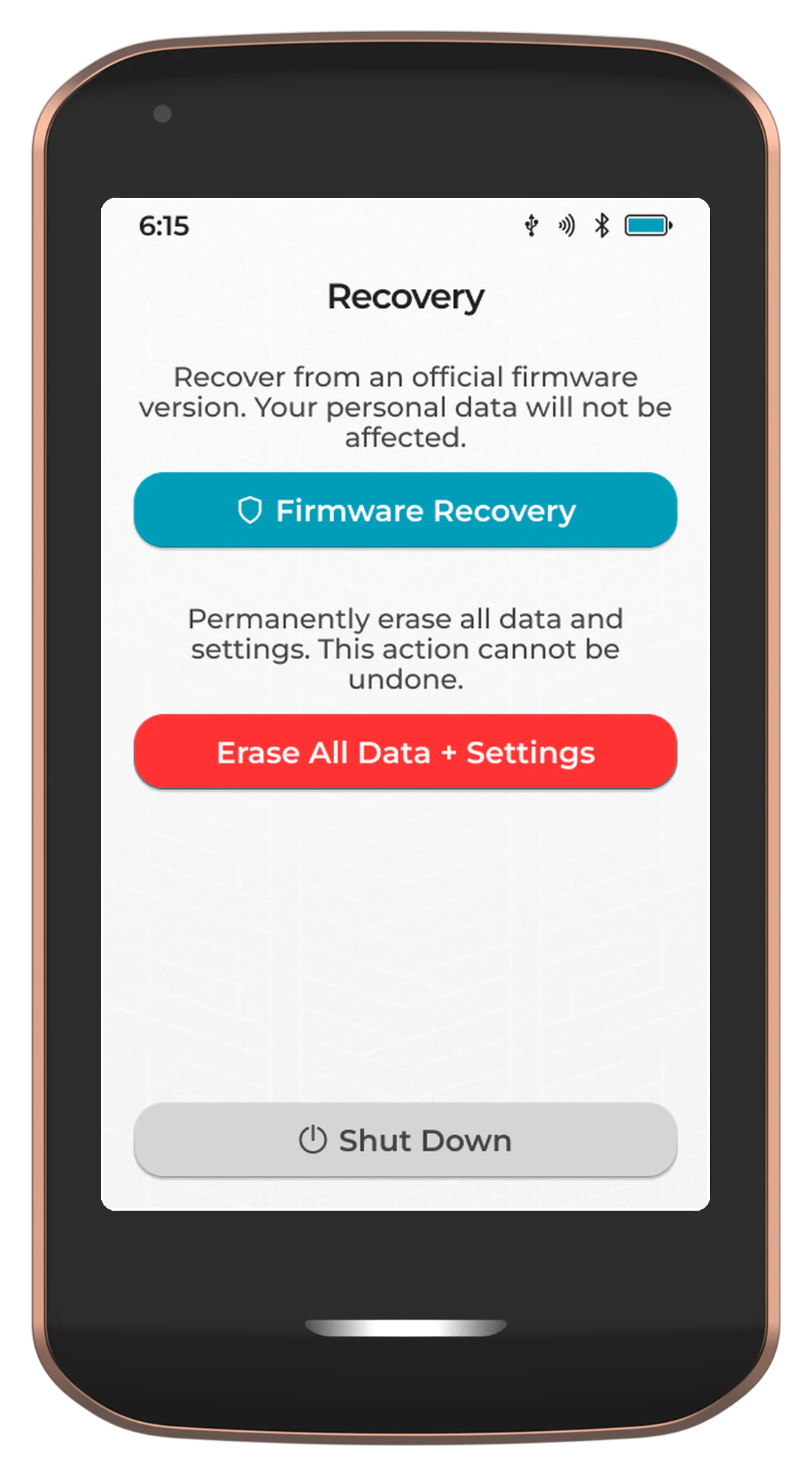
When you see the loading screen (shown below), quickly double tap the power button to enter the boot menu.
Crazy , i did all the above and still same issue , i establish connection , envy camera ON, try to scan the animated QR code no luck .
Tried all different combinations of light distance closed all lights in the room to avoid reflections etc.
Nothing.
Then I tap the Light icon on the top right corner of the PRIME , changed the theme to White (Dark came by default) once this was done phone/Envoy read the QR animated code on the first try !
It appears to somewhat affect usability. I had to close and restart envoy a few times to get the bitcoin price to sync correctly, so id say its probably a broader issue.
Could you send through your Envoy and KeyOS logs to hello@foundation.xyz please? Would love to have the engineers take a look. Please reference this forum thread when doing so.
I am on the latest envoy version, checked app store again. Tried all these steps, nothing. It almost prompts failed immediately, it recognizes it as a prime on the first scan but fails at the bluetooth connection
Edit: to avoid confusion, it goes as far as succesful pairing on envoy, but then fails on quantumlink, on the prime itself it does nothing but show the QR code, so basically as it came out of the box.
Hey @Panicseller! So the steps @qna mentioned above were for @x_V ‘s Samsung. You are on an iphone if I’m not mistaken right? That pop up usually shows when your phone has already paired the device, but prime has “forgotten” about this and trie to pair again, to which your phone replies “sorry i already have you”.
So a couple of things I’d like you to check:
In Devices in Envoy, do you see your passport prime?
What iOS version are you on?
Head over to: Settings → Privacy and Security → Accessories → Envoy → Do you have any device here? If yes, please tap it, then tap Forget This Device and try the onboarding again
Would be very helpful as well to have a feature on envoy to send the logs to you guys by pulling the file and launching an email client on the device. Could make diagnosing/fixing bugs easier for less technical folks just getting started.
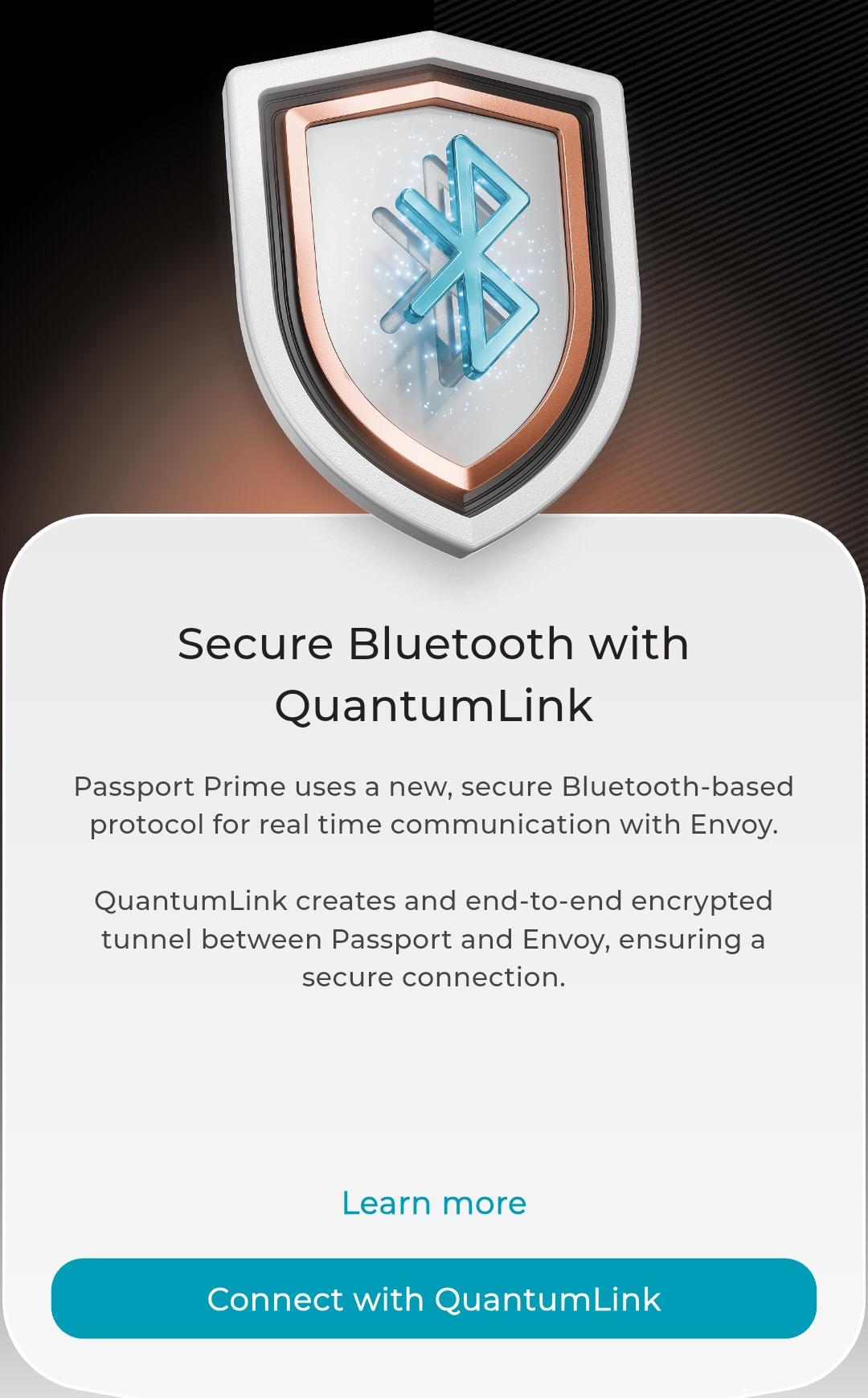
Hi Team, I scan the passport prime qr code with my phone, opens the app, proceed to the quantum link screen, press “connect with QuantumLink” then app crashes and closes. I tried deleting app and reinstalling app still not working. If I turn off bluetooth then press “connect with QuantumLink” nothing happens, no crash, no next screen. Once I turn on BT then it will crash when I press “connect with QuantumLink”. Any ideas? Phone is a few years old, motorola one 5g ace running android 11. I use my phone everyday all day long and I’ve never had this happen on any app.
I just tried again, I noticed my prime will quickly show a moving qr screen but as soon as I re-open envoy after it crashes the moving qr screen that says scan to connect to quantum link reverts back instantly to the onboarding initial qr screen.