We’re excited to announce that the latest version of KeyOS – 1.4.0 – is now live on Passport Prime! To download it, simply initiate the update from Envoy to be guided through the process.
WHAT’S CHANGED
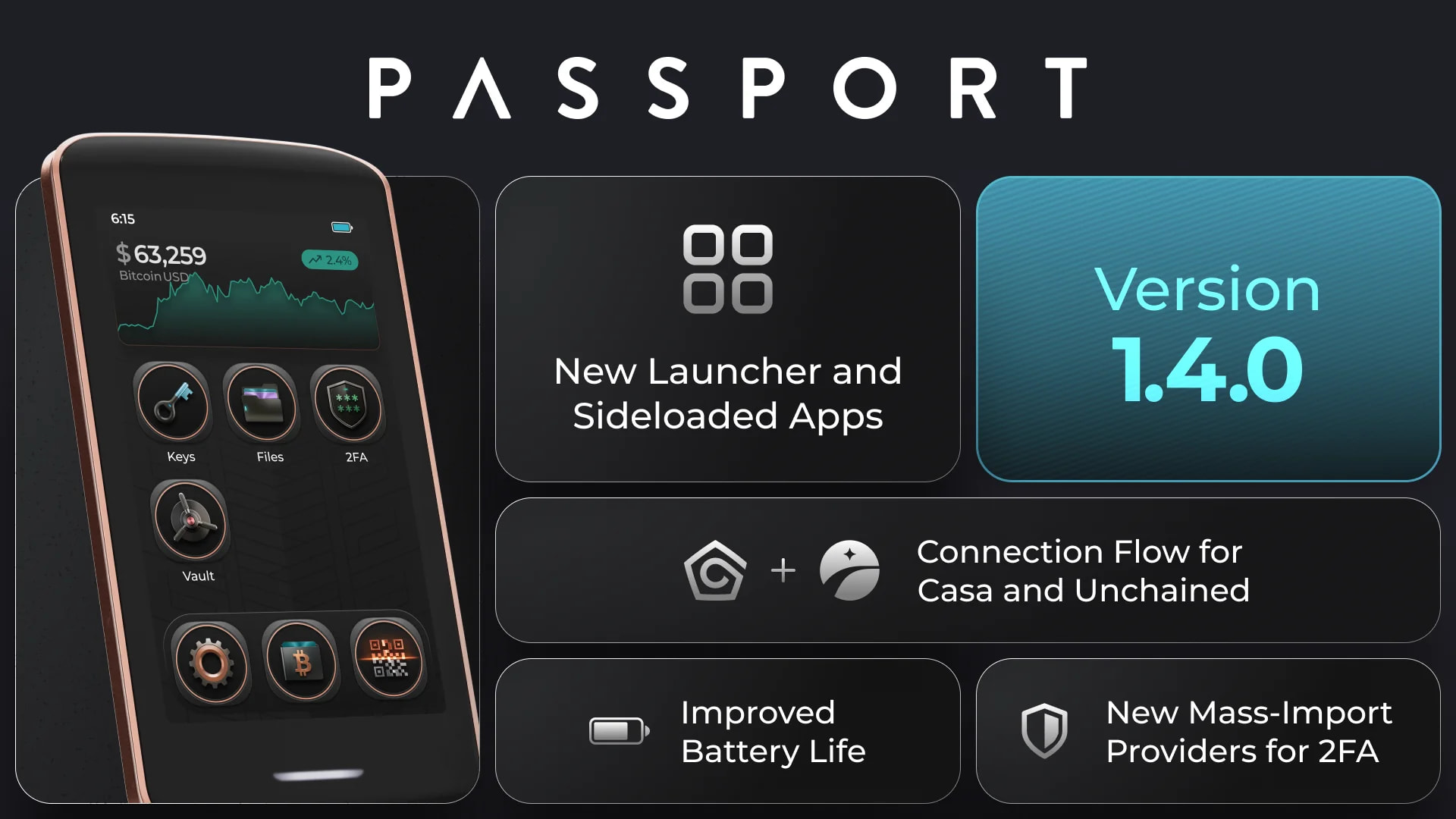
KeyOS 1.4.0 is a major release for Passport Prime, headlined by a fully redesigned launcher. It also introduces multisig exports for Unchained and Casa, connections for Bitcoin Safe and Coconut Wallet, imports from Aegis and Proton Authenticator, and extensive security improvements across Bitcoin signing, multisig validation, apps and storage.
Important security update: KeyOS 1.4.0 includes significant security hardening across Bitcoin transaction signing, multisig validation, apps and storage. We strongly recommend that all Passport Prime users update promptly to benefit from the latest protections. No additional action is required.
NEW FEATURES
The launcher has been fully redesigned, with brand-new app icons, an overhauled light-pattern background and icon dock, customizable app icon placements, and a smoother unlocking animation
You can now sideload third-party apps directly from Settings > Apps with a new install button. This feature is available in the new Apps menu and is backed by an “Allowed Publishers” model that puts trust decisions in your hands. In addition, you can pick and choose the permissions for sensitive operations for these apps.
You can now export multisig wallet configurations for Unchained and Casa from the Bitcoin app, using both file and UR/QR formats
KeyOS updates can now be downloaded and installed manually, without Envoy
Bitcoin Safe and Coconut Wallet connections added to the Bitcoin app
You can now import existing TOTP accounts from Aegis or Proton Authenticator by QR code or file, including password-protected encrypted exports
You now have to enter your PIN before Passport Prime shows your seed words, adding an extra safety step to the seed reveal flow
Tbh I don’t like the new design/icons at all. Looked much better/cleaner before. Moreover the speed has slowed down overall. Apps show now everytime a spinner before they open etc. Feels like a downgrade to me
Loving the progress let’s hope some of these apps can cover the basics like notes and a decent password manager . Dice rolls with numbers added and predictive words for adding seeds would look awesome on prime
After app. 40 attempts I’m finally on a download phase. Envoy shows “Downloading update”. However, it also says “Failed to download”. Prime is “Downloading update”. This is certainly not supposed to take half an hour?
Hi. Needed again to revert from “improved privacy” to “better performance” to get the download started.
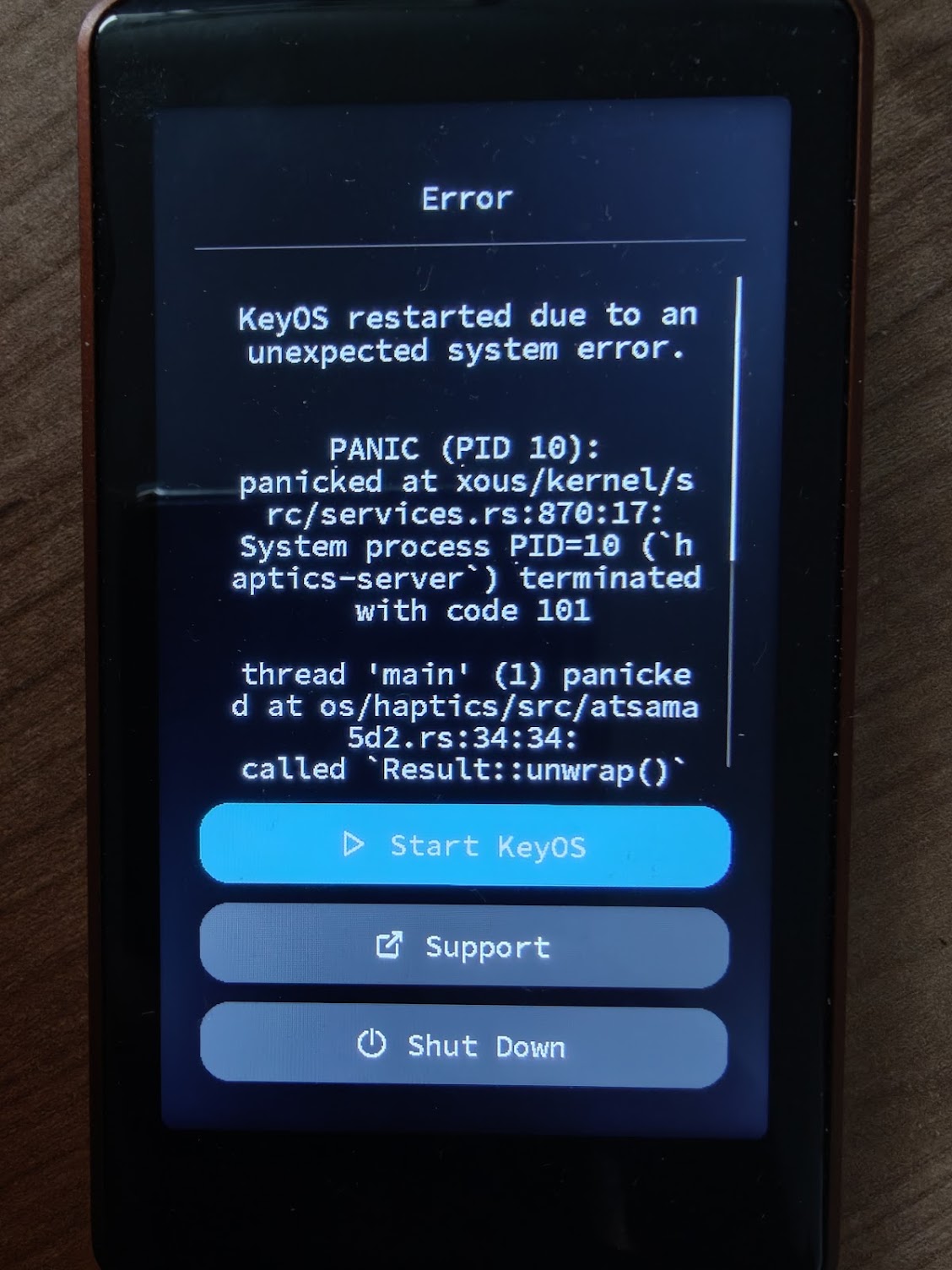
After successful download I’ve got a “panic” error on the PP that gave me a button to start KeyOS. With that I got the update installed finally.
The need to switch to Better Performance mode is a known issue with firmware downloads over Tor, and a fix is currently going through QA.
The panic appears to be separate. It shows the haptics service failing to initialize during startup. Since selecting Start KeyOS allowed the device to boot and complete the update, no further recovery action should be necessary.
I’m passing the exact error to the firmware team. If it happens again while running KeyOS 1.4.0, please use the Support option on that screen before restarting so we can capture the associated logs.
Hey @all.exact.fever is that sentence somewhere in their documentation? If you send us over a screenshot I could try and have them update it, we have an open comm channel with them. Those are the steps to follow to pair Passport Core to Unchained. In Passport Prime you need to select the Unchained flow, so → Connect Wallet, Unchained. Make sure to import the multisig descriptor to passport prime afterwards to see the account in your device!
Let us know if you encounter any issues - thank you!