I ordered a card reader to install it manually with microsd card. “Manual Update” stays grayed out and can’t be clicked. Is there a bug as well? I can see a blue light on the card reader so it is connecting through the port.
The files app on Prime can read the file. Looks like a bug as well?
Manual update won’t be available in the UI until you’re on the latest version. To get there, if you don’t want to try with Tor off in Envoy, you’ll need to use the recovery file and steps.
Turn on your Passport Prime
While the Foundation logo is being displayed during boot, tap the power button repeatedly — this should bring you to the Boot Menu
Select “Recovery” — this will bring you to the Firmware Recovery menu
Tap Firmware Recovery
Connect the external drive to the USB-C port on Passport Prime (you will need a USB-C adapter if you saved to a microSD card or USB-A drive in step 1)
Select the recovery file downloaded using the link above.
Didn’t work at multiple attempts: “Folder is empty. 4 files were filtered.” So recovery file update also not possible.
I originally downloaded just the .tar file. Now my new empty microsd card has 2 new folders, fseventsd and .Spotlight-V100. And second .tar file with ._ in front of the file name. Is this normal?
My Prime files app has created a new (?) internal folder .log with 9 files. Are they hidden files that should be there?
That explains it. The recovery screen requires the full KeyOS-v1.4.0-Recovery.bin file. The .tar package is for manual updates from within KeyOS, so recovery mode correctly filters it out.
Download the linked file, copy it to the card without renaming it, safely eject the card, then repeat the recovery steps. Make sure you use Recovery.bin, not CoreSystemRecovery.bin.
The .fseventsd, .Spotlight-V100 and ._ items are normal metadata created by macOS and can be ignored. The .log folder on Passport is also unrelated and expected.
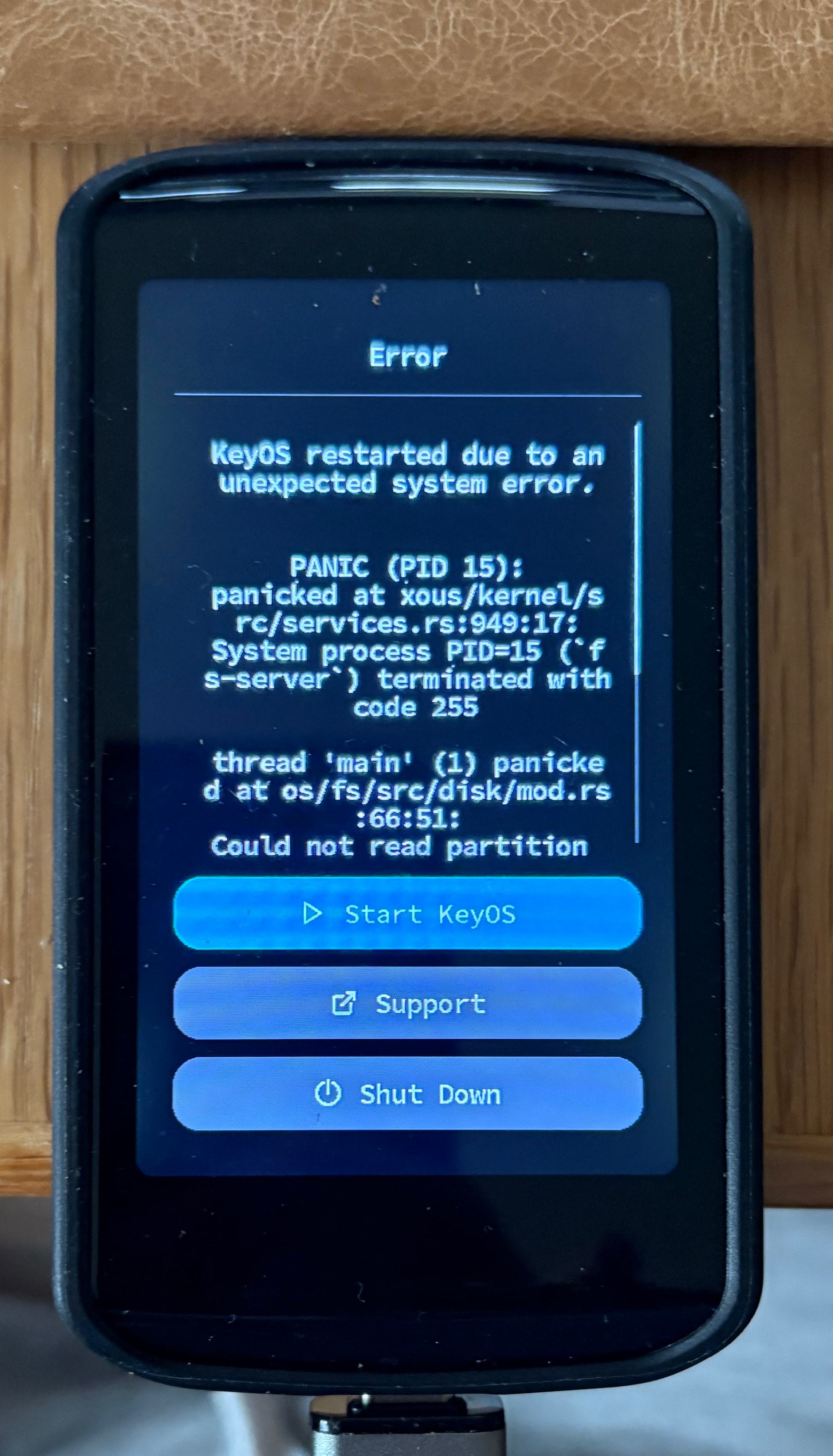
Now I got it done, thanks. I got the following error message. “Start KeyOs” worked anyway.
On Envoy side is there an issue related to connecting it to my personal node? It connects occasionally but not reliably. Is it related to using Tor on “improved privacy” mode firmware update issue?
Possibly Tor related, but its difficult to say without seeing some logs. To keep things searchable and on-topic, please create a new thread in the Envoy category, or contact support if you’re going to share logs. hello@foundation.xyz
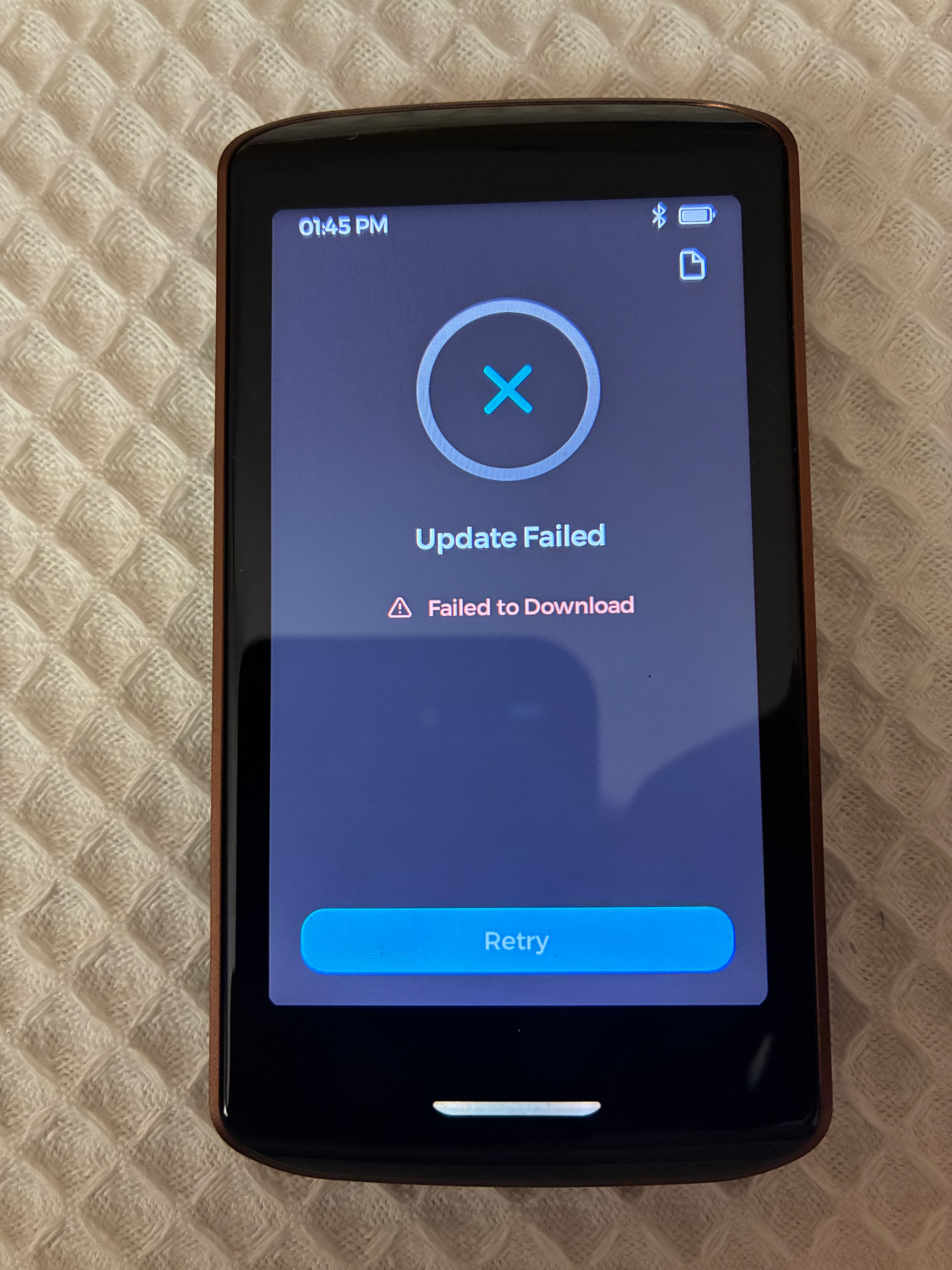
I just bought this new device and am having a bad experience since the begging, the initial setup forces you to update the firmware, however when I try to do it, it fails. I tried a hundred times, TOR disabled, TOR enabled, wifi on/off, vpn on/off, etc nothing happens, the same error message always.
@Liberty87 sorry you’ve had such a frustrating start. Since the Envoy update continues to fail, you can bypass it and install KeyOS 1.4.0 directly using Passport Prime’s recovery mode. You do not need to install any intermediate versions first.
Download KeyOS-v1.4.0-Recovery.bin. Use this exact file, not the similarly named CoreSystemRecovery file.
Copy the unchanged .bin file onto a FAT32-formatted USB drive, or a microSD card connected through a simple USB-C reader. Avoid USB hubs.
Ensure Passport Prime has at least 50% battery, then shut it down.
Power it on and immediately press the power button a few times until the Boot Menu appears.
Select Recovery, followed by Firmware Recovery.
When prompted to Connect USB device, connect the drive or card reader.
Select KeyOS-v1.4.0-Recovery.bin, allow Passport Prime to verify it, then tap Recover.
Leave the storage connected and do not power the device off. It will install KeyOS 1.4.0 and restart automatically.
Let me know what happens at each stage if it does not proceed as described.