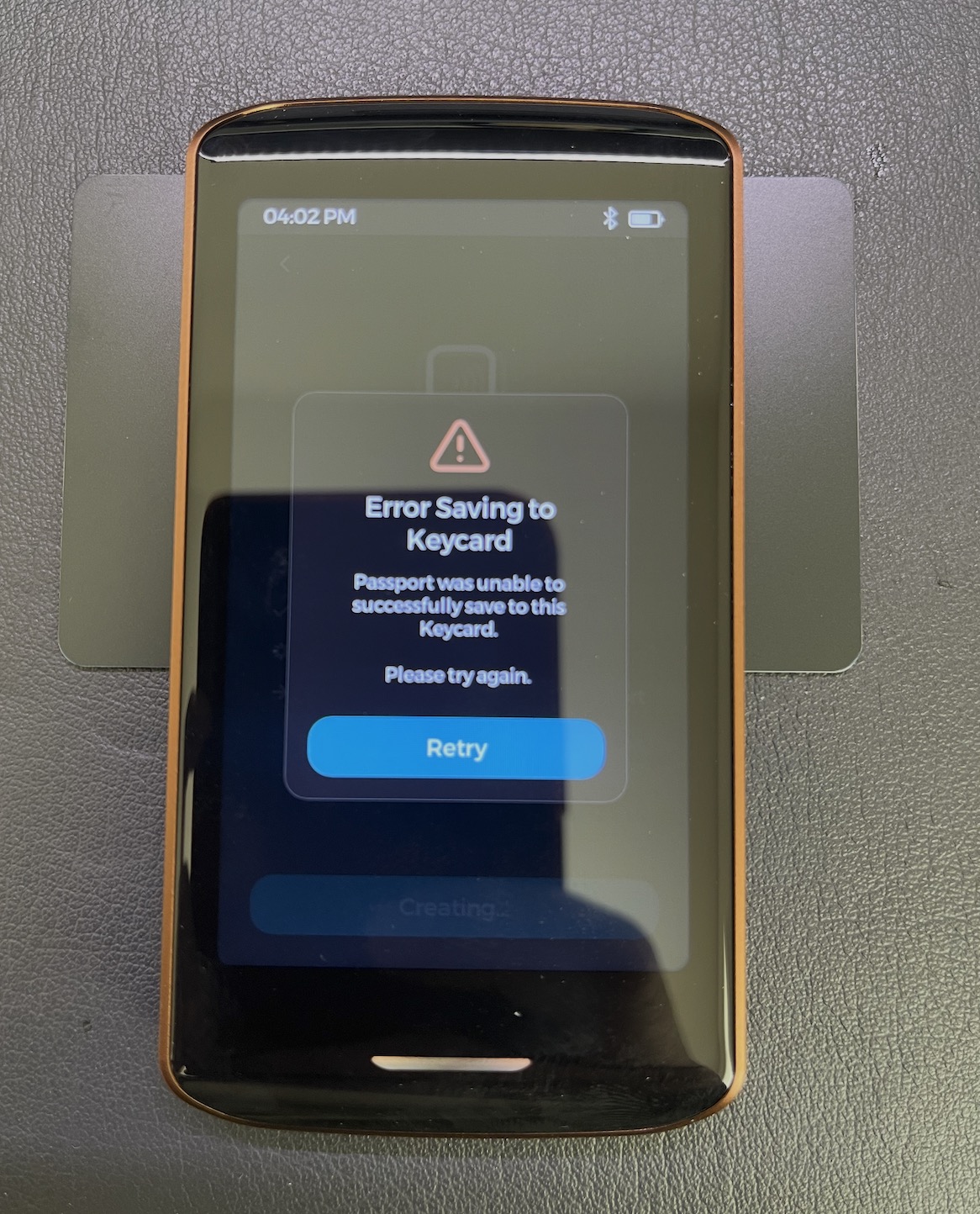
When I tried to back up my master key using NFC cards, only one card was successful; the other two both returned errors (as shown in the image).
Hi @Ke_James the NFC on Passport Prime is very low-range and we have a special square antenna in the center of the keycard.
Please align the center of the Keycard with the camera/logo area on the back of Passport Prime. When the card is aligned you will feel a brief haptic tap and then another larger tap when the device is done writing to the card.
Here is a reference in this video as well: https://youtu.be/zM9-xRq0huc?si=Ays25Cpxz8qvfee1&t=719
1 Like
Thanks for your reply. After I removed the case, everything worked fine, so I’m worried that the case might be interfering with the operation.
Yes in our experience the NFC performance is better without the case. It is more finicky with the case on. However when using FIDO Security Keys with your phone, it works well with or without the case because you’re able to touch the back of Passport Prime directly to the NFC antenna on the top of the phone (at least for iPhone). Let us know if you have further questions!!
Hi Zach.That is a great product. I hope there will be more official tutorial videos; I can’t wait to learn about the other features.
2 Likes
Thank you!! @qna is planning just that!
2 Likes
Ran into a Passkey confusion with Gmail:
I added a Passkey to my USB security key (Prime), but I still need to enter my password when logging in.
However, my iCloud Keychain Passkey works perfectly — fully passwordless login.
Conclusion:
Not all “Passkeys” are equal.
-
iCloud Passkey = true passwordless login
-
Prim key (in many cases) = treated as 2FA security key, still requires password
So even if you create it from the Passkey page, Google may still fall back to 2FA depending on the key/device.
TL;DR:
Passkey ≠ always passwordless (especially with Prim keys)
This is correct! But we are adding FIDO2 Passkey support in the next major KeyOS update. So you will be able to migrate your Passkey to Passport Prime if desired.
1 Like
I’m currently in a tricky situation: I wanted to test the backup and restore process, but I lost my connection to Envoy during the recovery process, but my PRIM failed to complete the “Create Magic Backup” step, causing me to get stuck in an infinite loop.
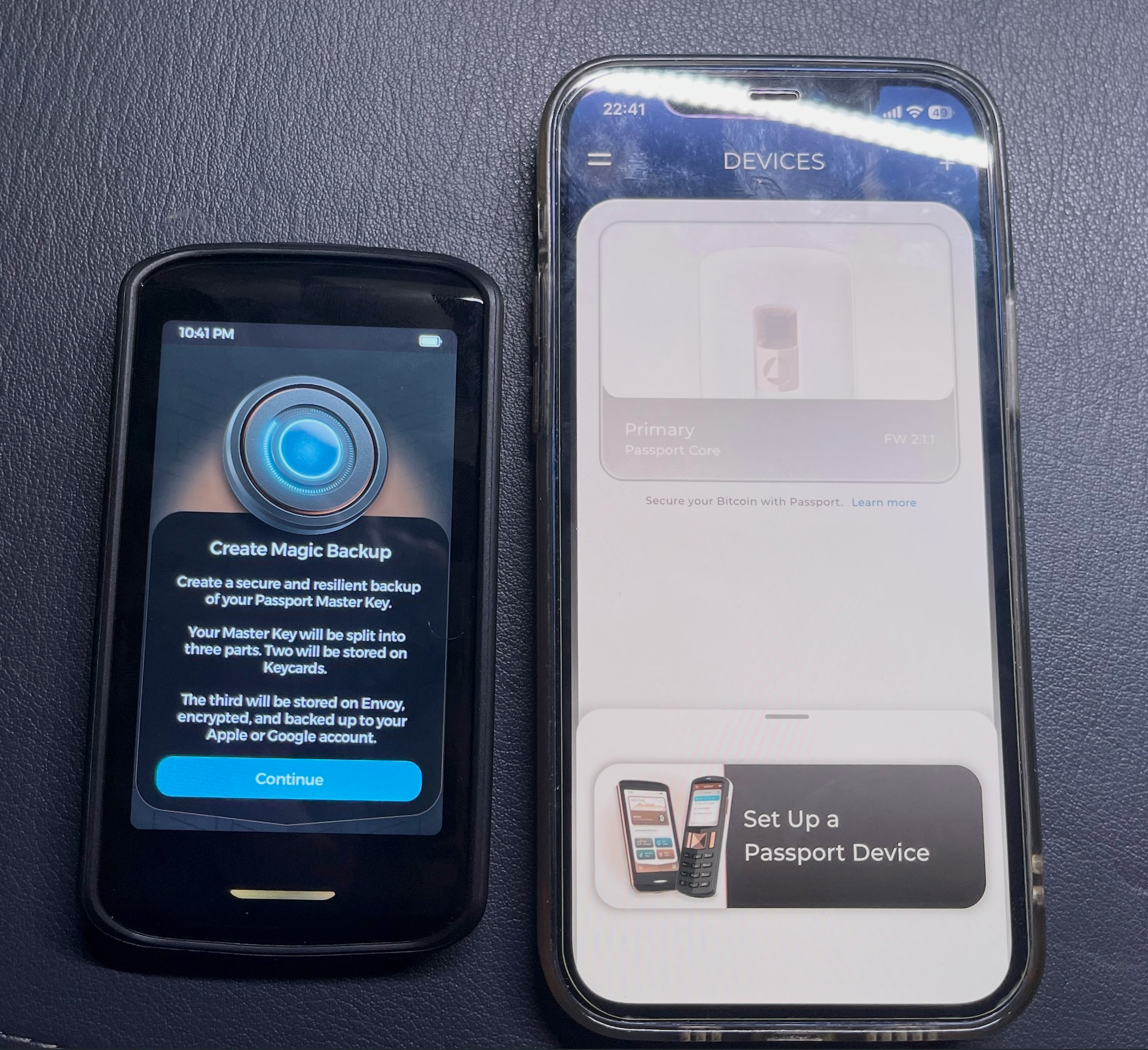
I resolved the issue by entering the password 10 times, but I don’t think it’s a good idea for Prim to be so dependent on Envoy.
As a Self Custody device, I don’t want my important data stored on any server.I’d like to perform my own offline backups. How can I do this?
I really think we need more detailed documentation and videos as soon as possible.

Ps:I can’t get the “Close Magic Backups” feature to work as described in the documentation.
Sorry to hear about this @Ke_James
When you say Passport Prime failed to ‘Create Magic Backup’, what exactly happened? Did you see any errors or something unexpected? Can you detail the loop you got stuck in?
To onboard Prime without Magic Backups you just need to tap the advanced button on the Envoy welcome screen and turn off the MB toggle. If you already have it enabled, a full wipe/restore is required for now, but soon MB can be disabled from Prime in the settings.
We have a full video guide on non-Magic setup coming soon.