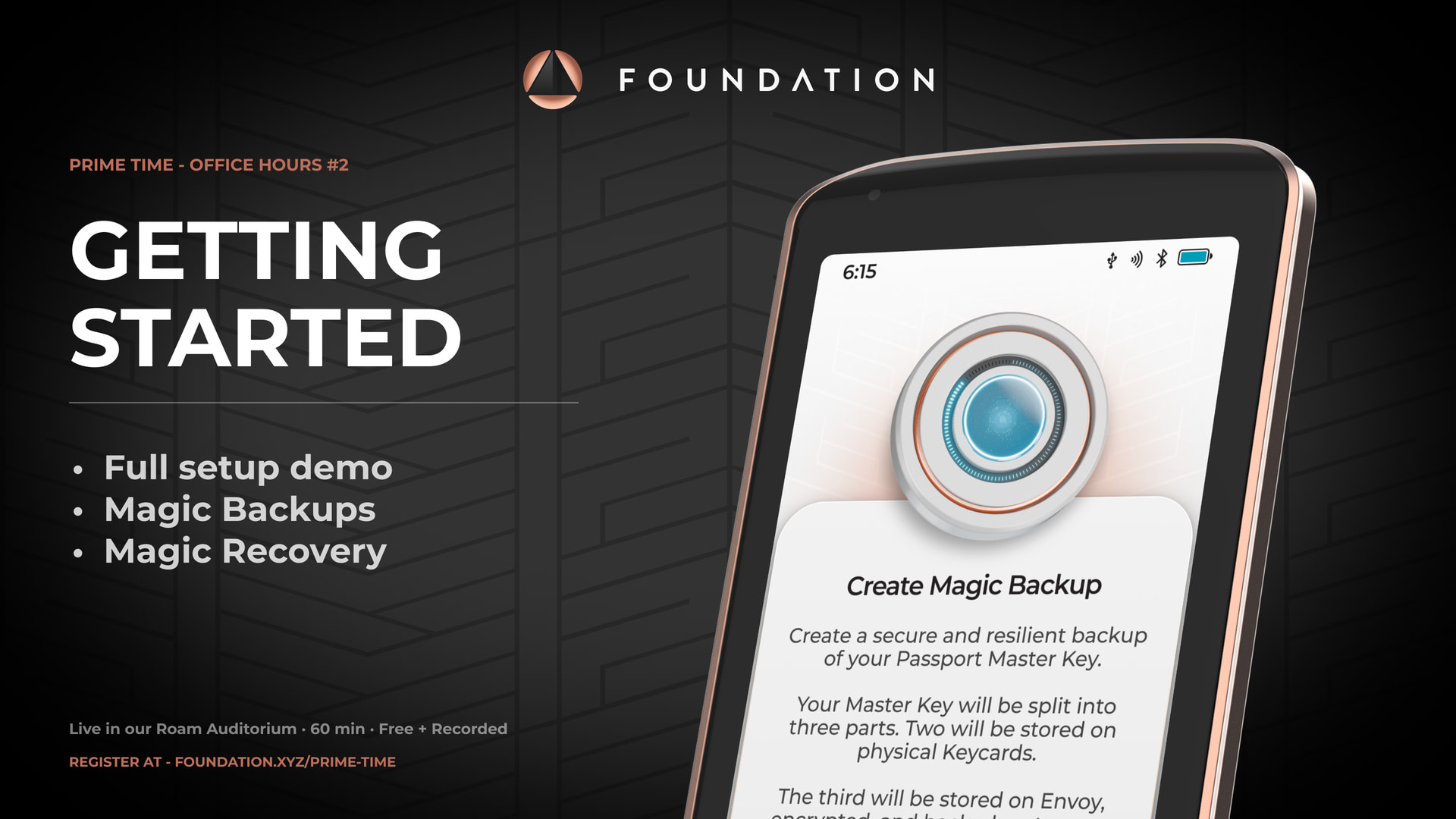
Week 2 of Prime Time Office Hours: Onboarding & Recovery is now live on YouTube.
We walked through Passport Prime onboarding and recovery end-to-end. From opening the box to a fully backed-up device in under 10 minutes, followed by a live wipe-and-restore from a single NFC key card tap.
What we covered
QuantumLink pairing. Passport Prime and Envoy introduce themselves via a static QR code, then open a persistent, short-range Bluetooth connection. That connection is what carries the rest of the onboarding, and all subsequent backup syncing between the two devices.
Security and firmware checks. Once paired, Passport Prime runs an automatic cryptographic check with our server to confirm the device hasn’t been tampered with in transit, then checks for firmware updates. Both are handled in the background over QuantumLink, with no user input required.
PIN setup. Six-to-twelve digits by default, or alphanumeric for advanced users. Ten consecutive wrong attempts wipe the master key from the device and force a recovery, a tamper-resistance measure built into the device.
Master key and Magic Backups. The core of the session. The master key is split into three parts using a 2-of-3 Shamir Secret Sharing scheme:
-
Two parts are written to NFC key cards that ship in the box.
-
The third part lives on Envoy, protected by iCloud Keychain on iOS or Google’s auto backup on Android.
Any two parts are enough to reconstruct the full master key.
Settings and app data are then bundled into an encrypted backup, encrypted by your master key, and stored on our server alongside a hash. Foundation never sees the contents, and never knows whose backup it is. No names. No personal information.
Recovery demo. Device wiped. One key card tapped. Passport Prime reconstructed the master key from the card plus Envoy, then pulled down the encrypted backup and restored every app, setting, and piece of data in a single flow.
Advanced path. If you’d rather not use Magic Backups, the advanced flow uses all three key cards and keeps everything offline, no reliance on Envoy and no encrypted backup on our server. Covered briefly in the session.
Q&A highlights
A few things that came up from the question stand:
-
Magic Backups toggle. Coming in v1.3. You’ll be able to turn Magic Backups on or off from the settings menu after onboarding.
-
2FA bulk upload. Coming in v1.3. Import your existing codes from Google Authenticator rather than entering them one by one.
-
Key cards can be overwritten. If you want to re-create a backup, a new one will replace the old data on the card. Passport Prime will warn you first.
-
Seedwords are optional. They’re just a different representation of the master key. If you’d like to write them down in addition to Magic Backups, you can do it from the settings menu at any time.
-
Files app backups are coming as a separate service, and will be free for life for early access customers.
Watch the full session and recap here.
Week 3: live tomorrow
We’re walking through the Passport Prime Bitcoin app in full. Every feature, every setting, every flow, demoed live. Open Q&A at the end, so bring your questions.
Same time as usual.
Sign up: Join Link
See you there.
 .
. 

 Can that be fixed. If not, it’s still great content you’re delivering. Thank you.