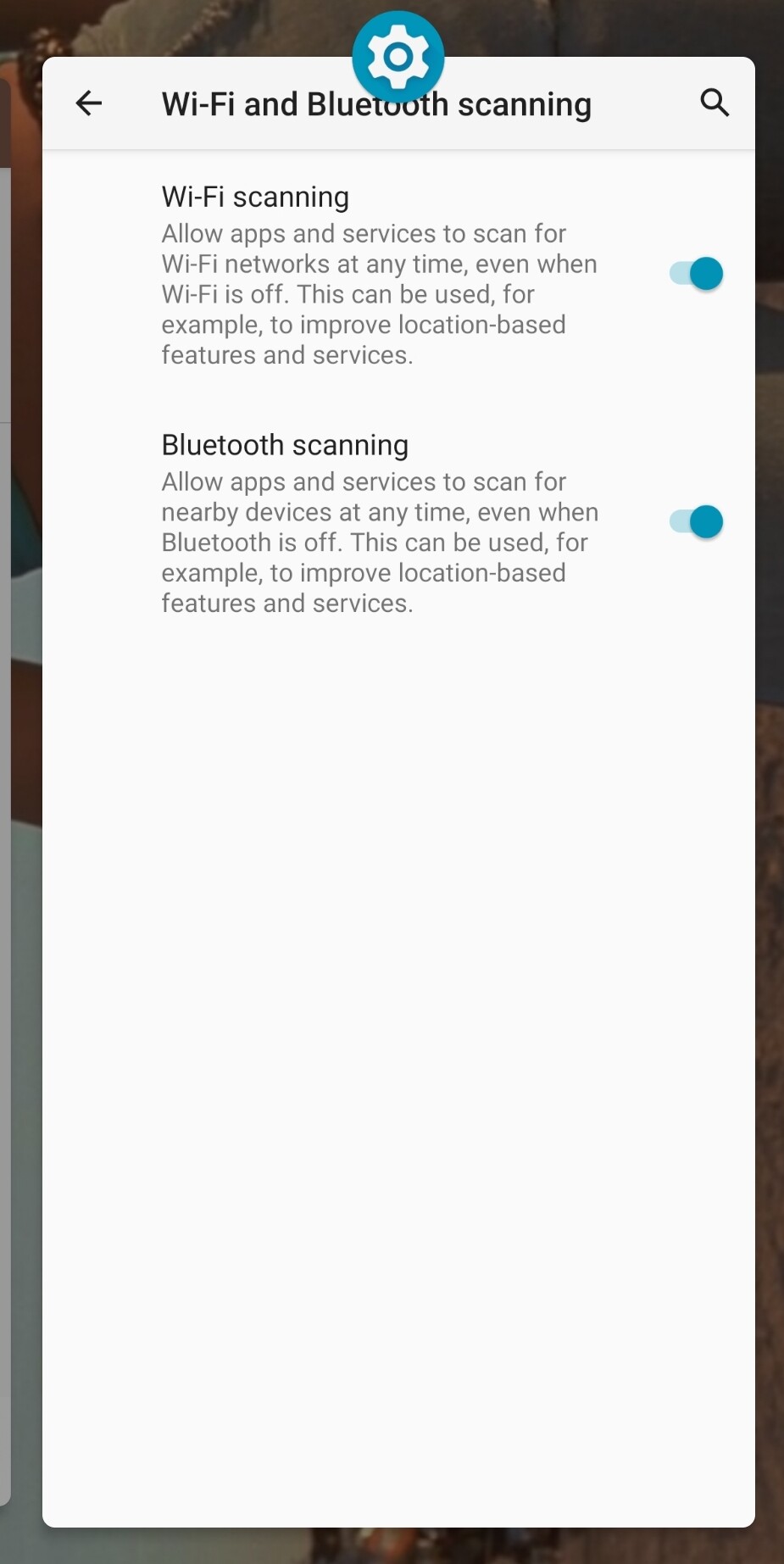
Hey @Oracle and @Panicseller please download Envoy 2.2.14 on your Android 11 and iOS 26.4 and try again - we addressed some loose ends that might have impacted you guys. Let us know if this version fixed the issues for you! Envoy v2.2.14 is now available!
OK, I dl’d 2.2.14. Still no go on android 11, scans the static qr code, then setup your PP screen, I press the blue continue button, goes to secure BT with QL page, press the blue connect with QL button, envoy app crashes instantly and goes to homescreen. Envoy will remain open, it does not close when it crashes, the QL screen crashes then goes straight to homepage. I can scroll my open apps and envoy is there. I click the envoy app and it is back at the original start page welcome to envoy - create a new mobile wallet or setup a passport device.
I did a clean uninstall of the old version and a fresh install of the new version 2.2.14. On this new fresh install there is no option for settings to grab the log and send it to you. It only has “advanced” in the upper right corner. Inside “advanced” there is no options to save the log file.
Thank you for the report! You can create a new hot wallet to get yourself out of the onboarding flow, and the you should be able to get the logs from the setings page like before. However, if Envoy is crashing I don’t think we will get usable logs from the app, the most interesting logs would come from the OS. Is there anywhere in android 11 where you could grab system logs after Envoy crashes you think?
Another thing to test is to enable the location on your device. Some older devices have bluetooth permissions entangled with location services so Envoy might be hitting a wall here. Do you think you can try pairing Passport Prime with bluetooth on AND location on in the phone? Worth a shot
We’ll keep looking into this - thank you for the report and sorry this didn’t work for you!
The phone had location on and bluetooth on when I tried to QL it. I really have no idea at all how to locate and access the android 11 OS system logs you requested.
Trying to rule out any permission issues - can you double check that Envoy has bluetooth permission granted? I would also try giving it location permission if it shows there, then retry pairing
I appreciate you guys help. Not really sure how many of your future customers will be running android 11. Probably very few if any. I do because it’s been the best phone I have ever used, still relatively fast for my needs, still long battery life after 4 years and never a single hiccup until the QL thing. I bit the bullet and picked up a great factory fresh looking S24 plus refurb that uses Android 16 and envoy performs 100% as expected during onboarding. Unless you guys wish to keep digging on the android 11 issue I will consider it closed on my side. I’ll keep the android 11 phone as a backup for emergencies and use the S24+ for my daily driver with Envoy and PP.
One question: has envoy been tested and working under GrapheneOS?
"What may not work perfectly under GrapheneOS:
Some apps that depend heavily on Google Play Services at a deep level"
Updated, still does not work for me unfortunately. Erased prime settings and data and removed as BT device on forehand to try fresh.
UPDATE: fixed, my retarded self had a restriction in place I forgot about. For support if someone has a similar issue in iOS: Screen time → content & privacy restrictions-> allow Bluetooth sharing
We’ve done some targeted testing for the main functionality on GrapheneOS and not found any blockers, but there are known drawbacks for things like Magic Backups that leverage GPS.
By default GrapheneOS does not us GPS, which affect the Magic Backup architecture, since the Envoy part of the Prime Master Key does not get automatically backup up to the user’s cloud.
If we use 3 of 3 NFC cards or store the master seed phrase, will magic backups then work without Google Play? I find on my GOS even with sandboxes Google Play, it shows the “Settings and Metadata” backup successfully but “Master Key Backup (1 of 3 parts)” is “pending Android Auto Backups”. I am guessing it’s not just having Google Play but also enabling Google Play backups? I’m fine with storing my key. I just want to confirm that that the data from the device is on your servers and can be recovered with a key given the states.
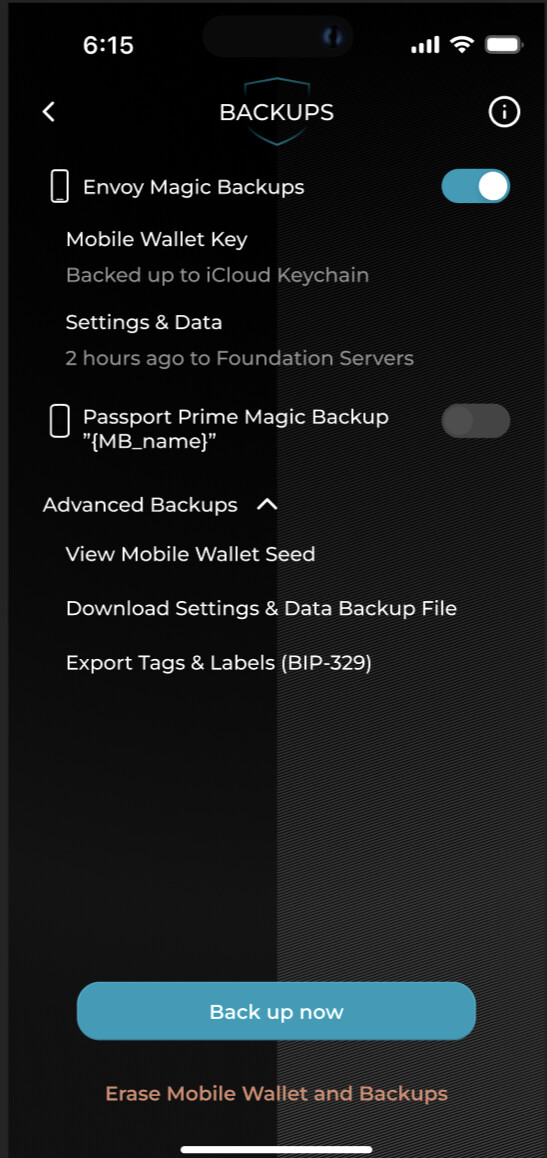
If you use the 3/3 NFC cards, no info should be sent over to Envoy and our servers. If you have done a 3of3, in Envoy Settings → Backup you should see this:
If you are seeing the toggle for your Passport Prime “on”, that means the onboarding registered it as a magic backup, and you should have done a 2 of 3, not a 3 of 3. However, I’d like you to please confirm if that’s what you see or not. Also, do you have any recollection of actually being asked to tap all three keycards? What version of KeyOS are you running? Thank you!
No, I currently use the 2/3 but haven’t put any funds on yet. I assume given that, my device isn’t recoverable if it’s not backing up the third to Magic Backups. That being said, my bigger concern is will it be possible to use 3/3 cards or a standard seed phrase but use magic backups for device settings/2FA codes/etc…? Basically, I want the simplicity of magic backup restoration with the comfort of a seed phrase and not relying on my Google Play services.
Recovery will still work. The third part is stored locally on your phone and would be backed up to the app data if you ever did the device wide GOS system backup.
Right now you cannot use three keycards and have the settings/data backup go to our server, but that is something we could look to offer fairly easily in the future.
Why is that not the case currently? These seem like two distinct features (backing up 1/3 of the key and backing up things like 2FA that would be lost if we only had the three cards to restore with). What is the intended backup method for those using three cards/seed phrase only for things like 2FA?