I’m not a professional developer and I don’t have a dev unit. However, with the latest SDK and beta firmware on Prime, I’ve made a simple markdown text editor/viewer. There are some limitations with what can be rendered on KeyOS right now, but overall, this is amazing.
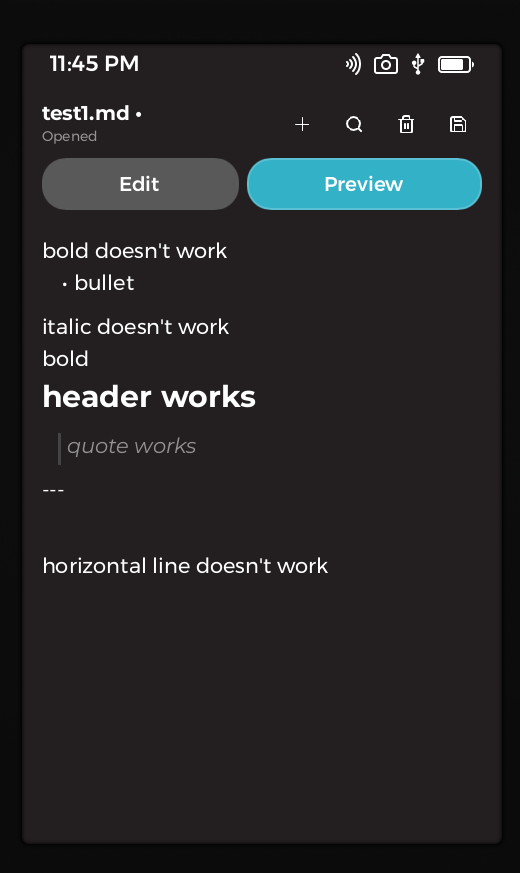
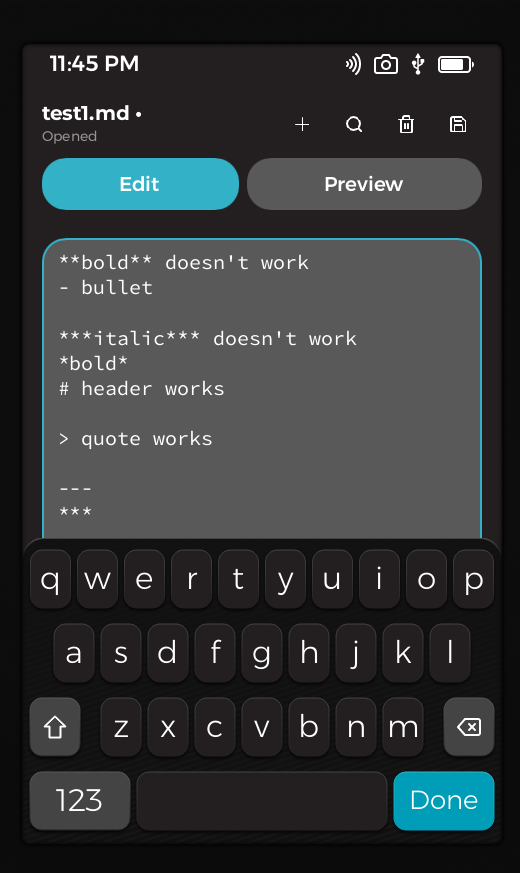
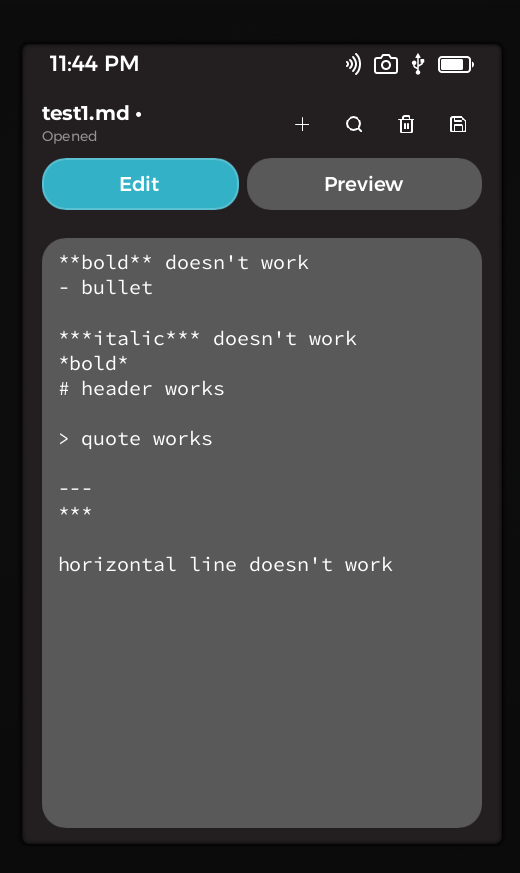
This is amazing stuff. Would you like me to add it to our app showcase?
Oh nice I hadn’t seen that, some great apps already. If you’d like to add it to the showcase, that would be an honor. I’m going to keep improving it. Let me know if you need more recent screenshots. It has improved already.
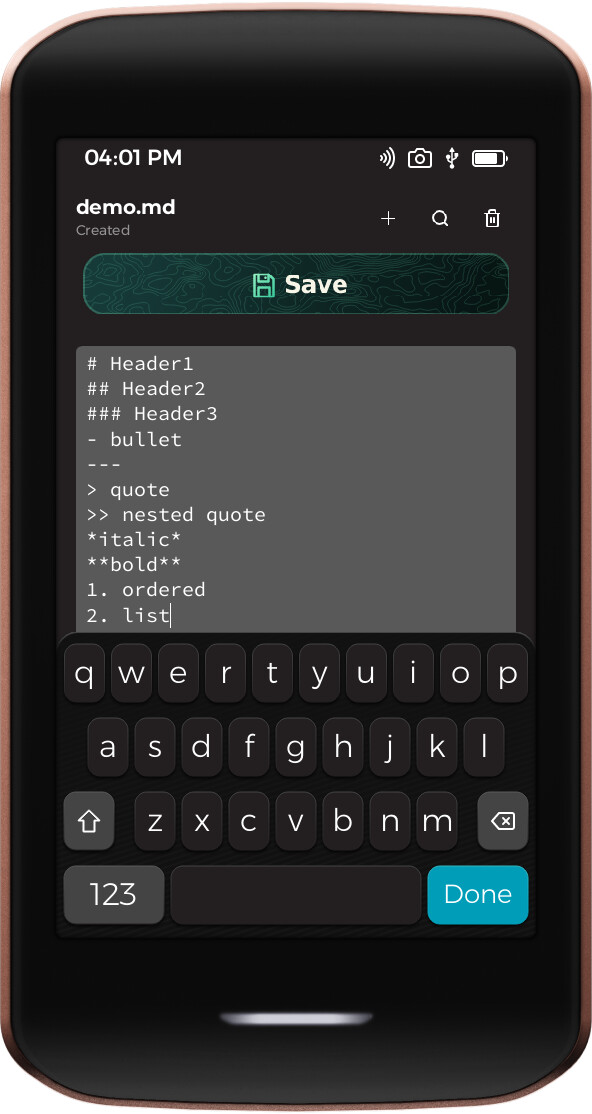
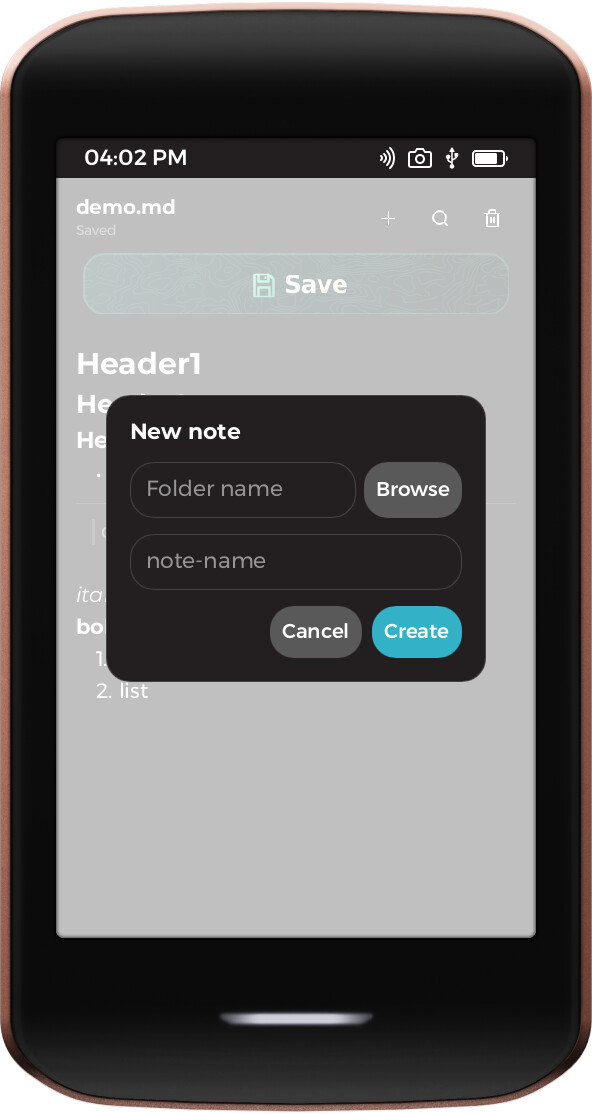
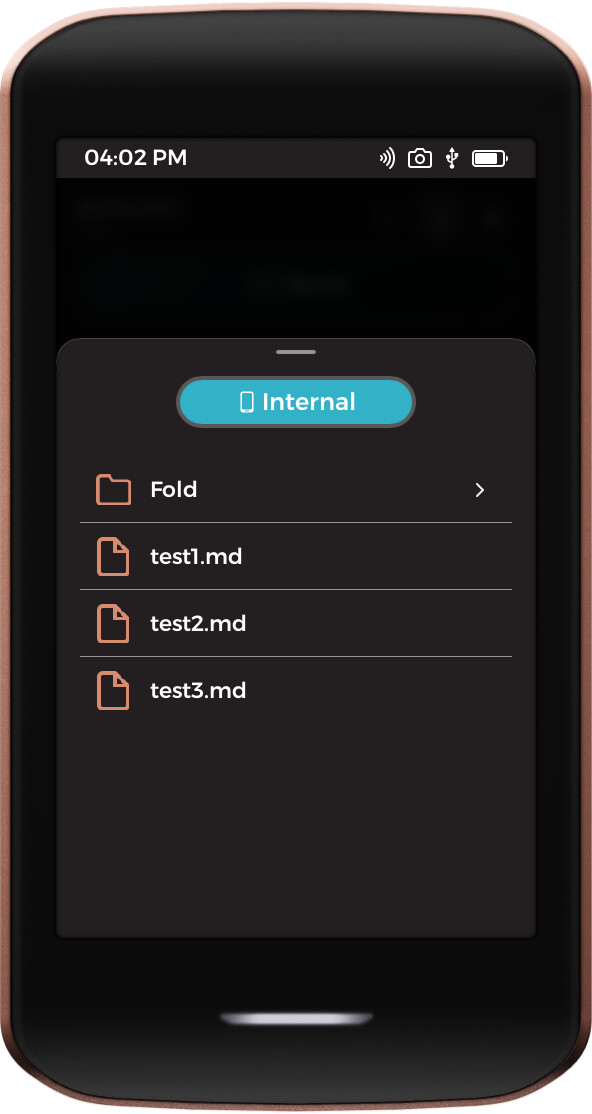
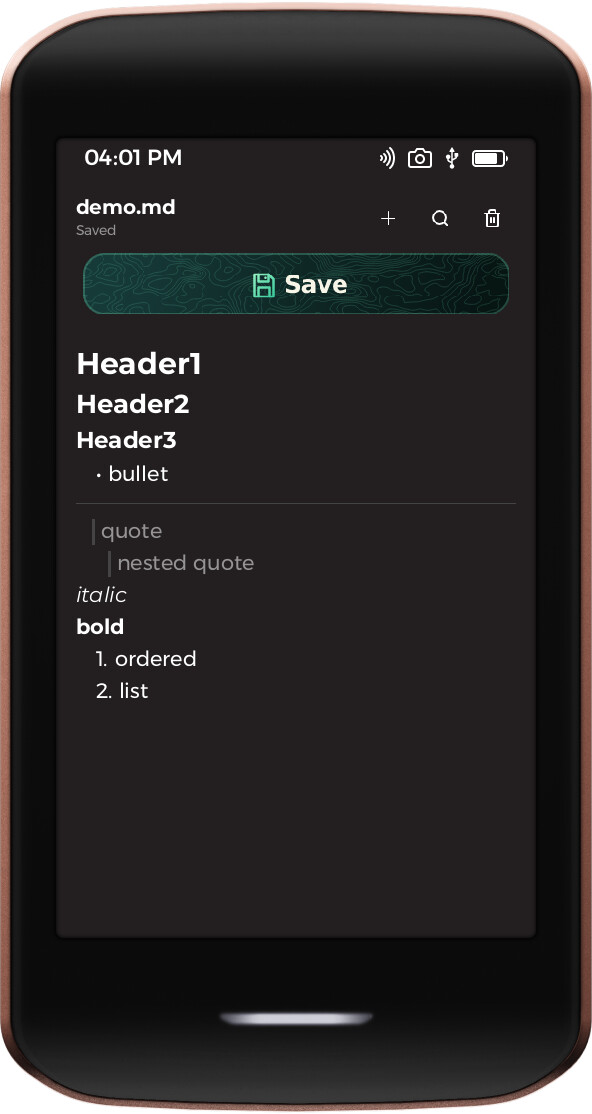
It does run very slowly though. If anyone has any suggestions to speed it up so scrolling isn’t so painful, I’m open to hear them.
Given this seems under very active dev, I’ll wait to add for a couple more days since the screenshots could go stale pretty quickly. LMK when you’re ready.
Also cc @Georges on the speed thing
@Colonizer this is lovely work !
Try this first. foundation build, foundation sideload and foundation sim all build in Cargo’s debug profile, and the project foundation new scaffolds sets no optimisation level at all. So everything runs unoptimised, including Slint’s software renderer and all the text shaping and layout, which for a markdown viewer is essentially the whole hot path. This is a “night and day” difference, not a few percent.
Add this to your Cargo.toml:
[profile.dev.package."*"]   # dependencies: the renderer, text layout, your md parser
opt-level = 3

[profile.dev]               # your own crate, if it does layout or diffing work
opt-level = 2
foundation build and foundation sideload also accept --release, which is what you want for anything you hand to someone else. foundation sim has no such flag yet, so the Cargo.toml block above is the only way to get a fast simulator run.
This one is on us: the template should ship those lines, and the CLI shouldn’t hand you an unoptimised build while its own “next steps” message points you at foundation sim. I’ll get that fixed.
If it’s still slow after that, the next thing I’d look at is how many elements your document turns into. Our ui2 set has Flickable but no virtualised list, so if you’re building one Text per markdown block inside a VerticalLayout, Slint measures every block on every layout pass, and word-wrapped text measurement is the expensive part. That cost is O(document) per frame however well it’s compiled, which would fit scrolling specifically being the painful part. The fix is to keep the parsed document in Rust and publish only the slice that’s actually on screen to the model.
Worth checking too that the markdown parse isn’t sitting inside a Slint property binding, those re-evaluate whenever a dependency changes, so it’s easy to re-parse the whole document on every scroll tick without meaning to.
One thing I couldn’t do: the GitHub link in your first post 404s for me, and so does the Neo-Colonial account, renamed, or gone private? Happy to read the actual code and be more specific if you can post a working link, and @qna will need one for the showcase anyway.
Thanks, I’ll try some of those out as soon as I’m able.
I don’t anticipate UI changes in the near term so it’s probably good to go now. However, github has flagged my account for some reason so no one is able to see the repo. I’m appealing and I’ll let you know when they unflag it.
No worries, keep us posted.