What are you trying to achieve? Determine my cost basis and origin for coins in my Envoy wallet
What steps are you taking to try and achieve this? Looking at my notes
What are you seeing or experiencing to suggest that something is wrong? All of the meticulous notes I took immediately upon completing each transaction are gone
What version of Envoy are you using? 2.11(2)
Does your query relate to the mobile wallet or a Passport account? Mobile wallet on iOS
I just noticed that all the notes I’ve taken in Envoy for each transaction are gone. How can I recover them? This is my data for determining cost basis.
Have you recently performed any wallet recoveries, Passport account reconnections or Envoy app re-installs?I moved to a new iPhone so I think this counts
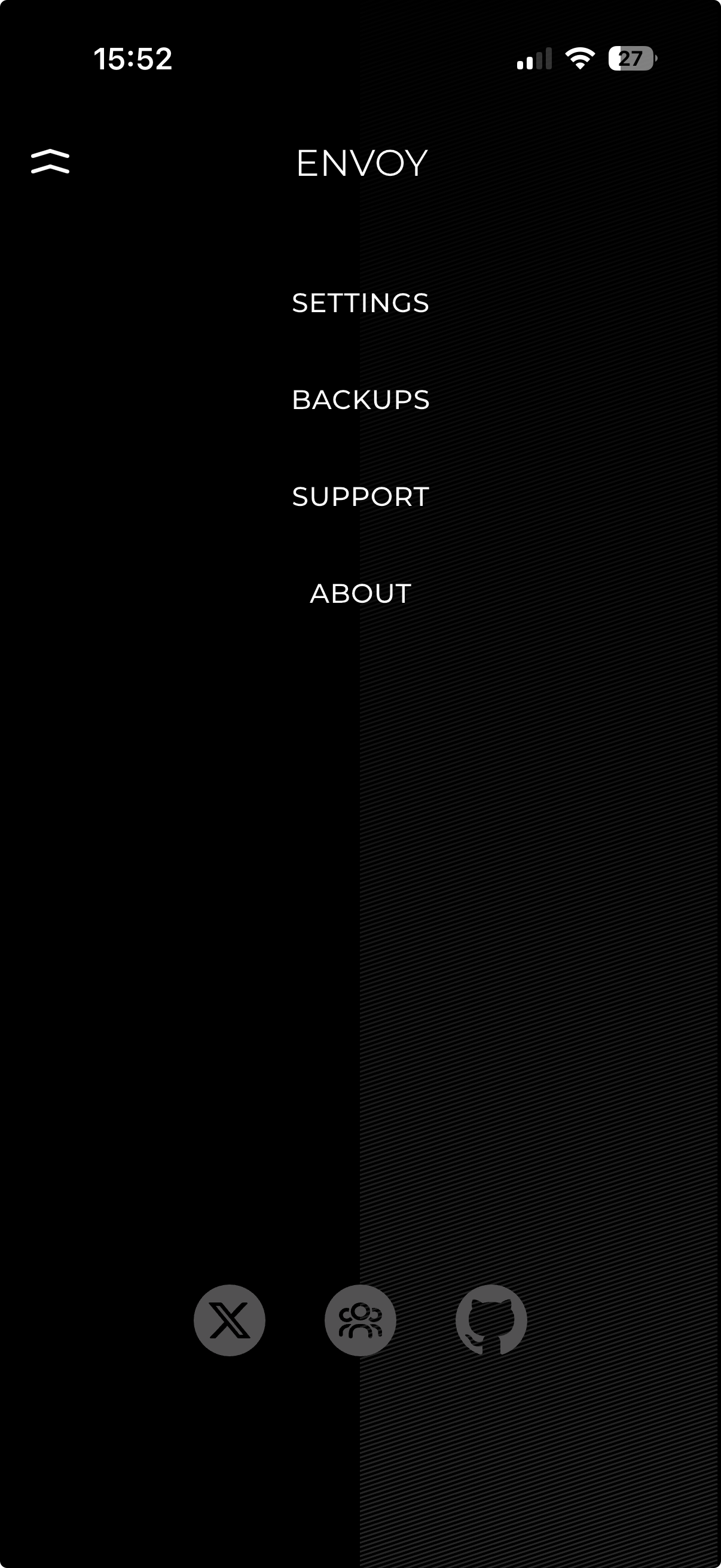
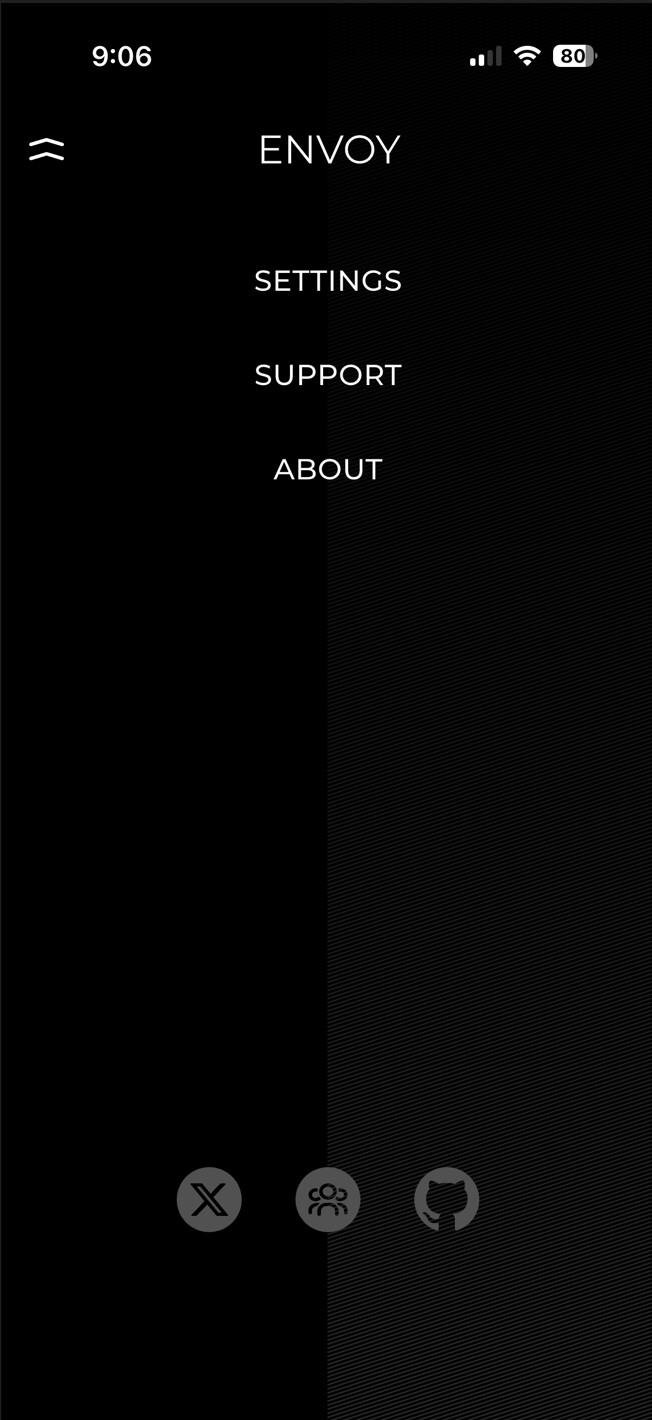
In Envoy, do you have ‘Magic Backups’ enabled in settings?My settings menu has “Display Fiat Values, View Amount in Sats,” and under “Advanced” is "Testnet, Signet, Receive to Taproot, Buy in Envoy and View Envoy logs. I don’t see magic backups here but I do recall turning this on when I first installed Envoy on a previous phone.
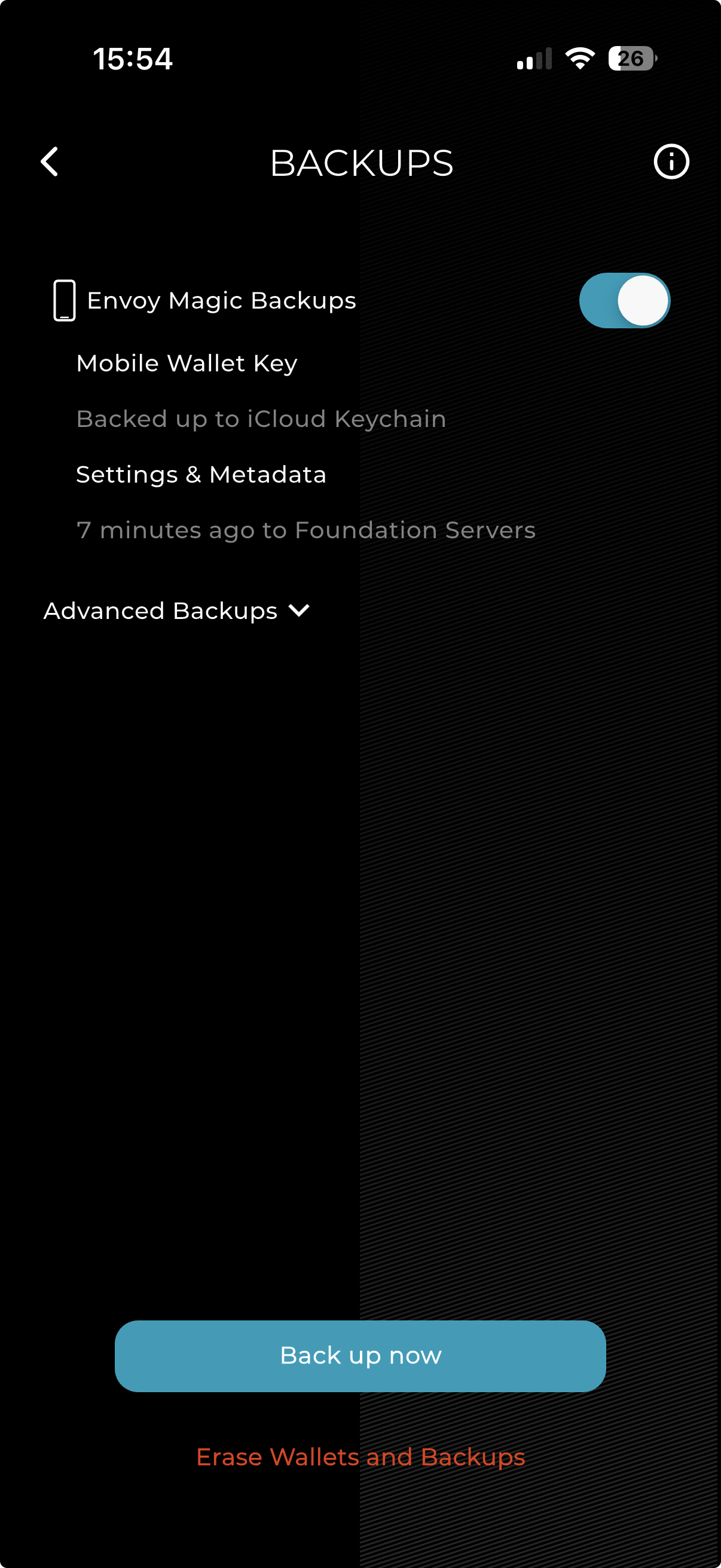
If the answer to #2 is yes, when was the last Settings & Metadata backup completed?…not sure
Right now in Envoy the metadata backup that includes notes and tags is anchored to the mobile wallet.
No mobile wallet, no export of settings and metadata (for now at least)
If there is a mobile wallet and it has magic backups enabled, the settings and data would have been auto-saved and transferred to your new phone.
If the mobile wallet was a ‘manual’ one without magic cloud backups, then you’d need to manually transfer the settings and data backup from one instance of Envoy to the next one on the new phone.
So, your answer is “they are gone,” correct? That’s great.
Again, I never planned to use a mobile wallet. It’s still reasonable to think that my notes could have carried over, no? The fact that they do not would have been nice to know ahead of time, and rather disappointing as I went through great pains to detail each transaction with cost basis data and expected these to persist. It’s a good thing I still have all of this data on the sending side Sparrow wallet.
An apology for this big miss on the part of your developers would have been nice. I’m so done with your products.
I’m sorry to hear the app didn’t meet your expectations, but without some form of identifier, eg the hash of your mobile wallet seed, or something way more invasive like forcing you to create an account, Envoy has no way to know that you got a new phone and installed Envoy on there.
We do plan to add manual exports for this use case, but it would still be exactly that, a manual export that you’d need to transfer to your new phone.