I was not able to transfer or save it again to my SD card, so I just created a new transaction and used QR codes to get it done. I have shut the power off on several occasions loaded my passphrase wallet but the PSBT I uploaded from the SD card somehow is still sitting in Airlock? I cannot erase it. Plus why would it not save it to my SD card? It read the transaction off the SD card, validated it but then saved it to airlock. This PSBT just not want to leave airlock. I have tried booting up both my main and passphrase wallets several times after the transaction concluded. I wish we had greater control in terms of deletion. I thought the airlock was just for QR transactions and nothing really should be resident in memory after I turn off the device?
Hi MAK,
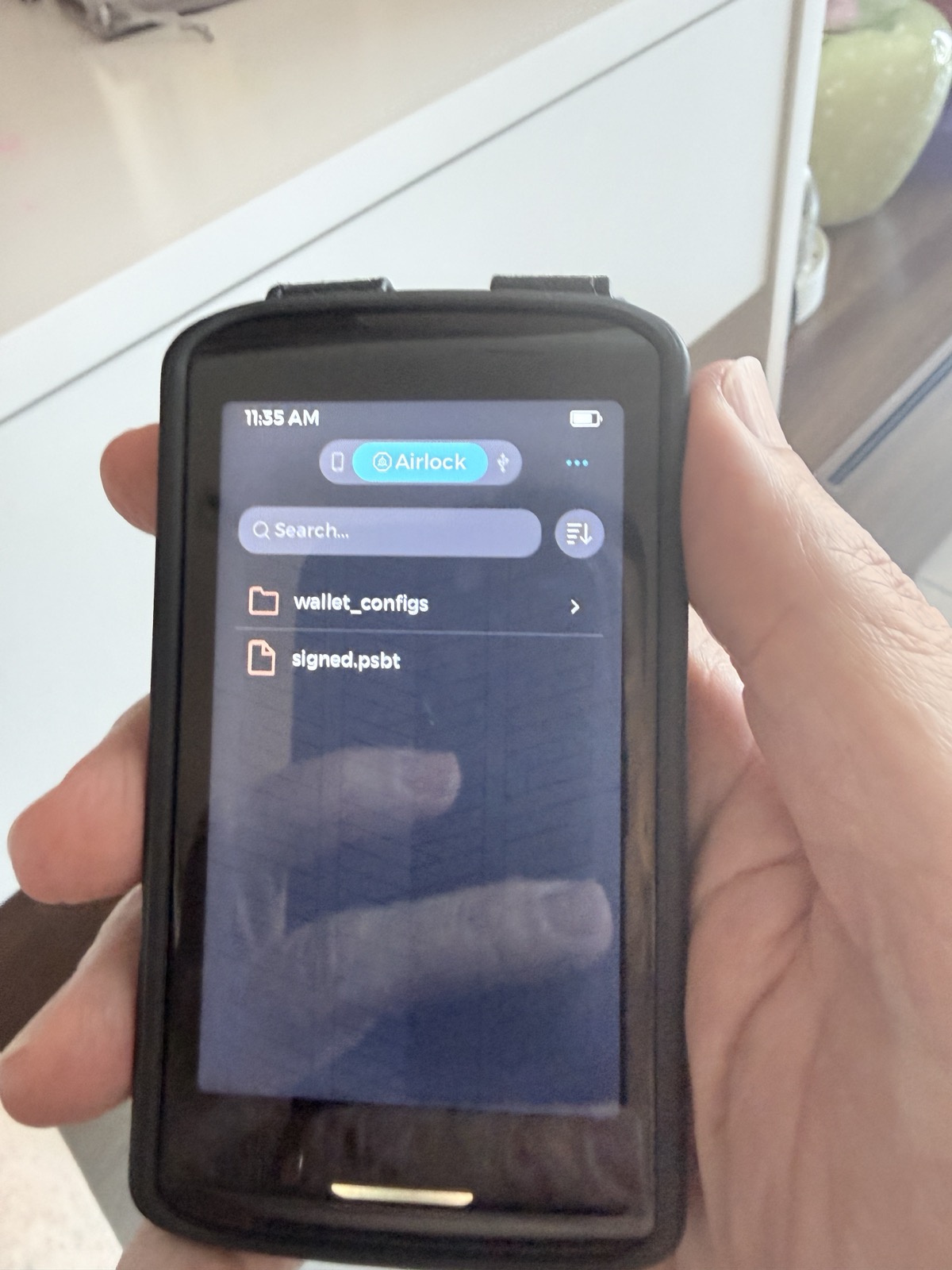
When signing a transaction loaded from a file, Passport Prime currently saves the signed result as signed.psbt in Airlock, rather than automatically writing it back to the microSD card.
Airlock is a dedicated storage area, so files remain there after switching wallets or powering off. It supports USB file transfers as well as signed transaction exports.
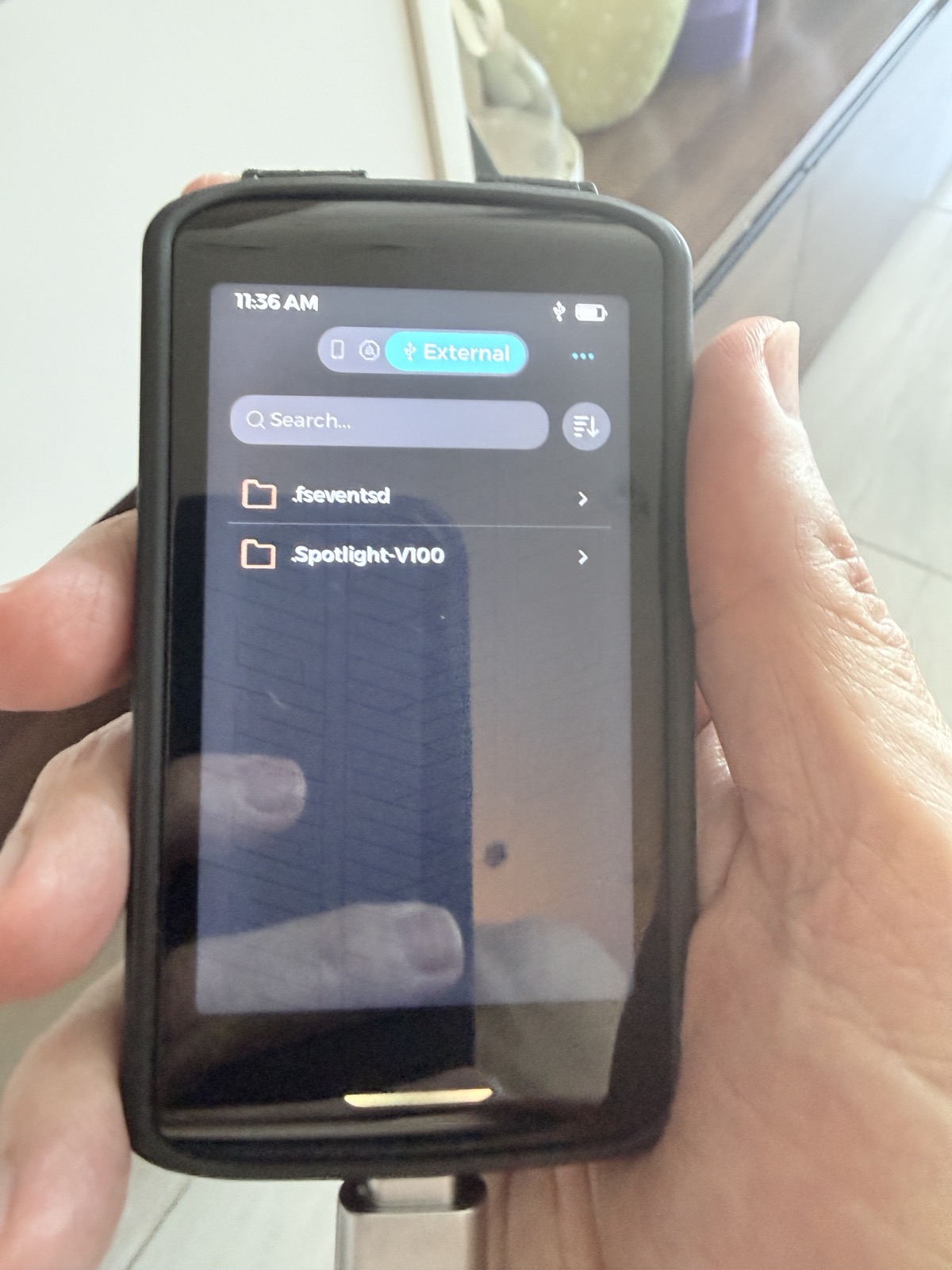
To manage that file, return to the home screen and open the standalone Files app:
- Select Airlock, tap the three dots, then Select.
- Tap the circle beside
signed.psbt. - To put it on your microSD card, connect the card reader, choose Copy, select External, and confirm the destination.
- To remove it now that your transaction is complete, select the file and choose Delete, then confirm.
These actions are documented in our Files guide.
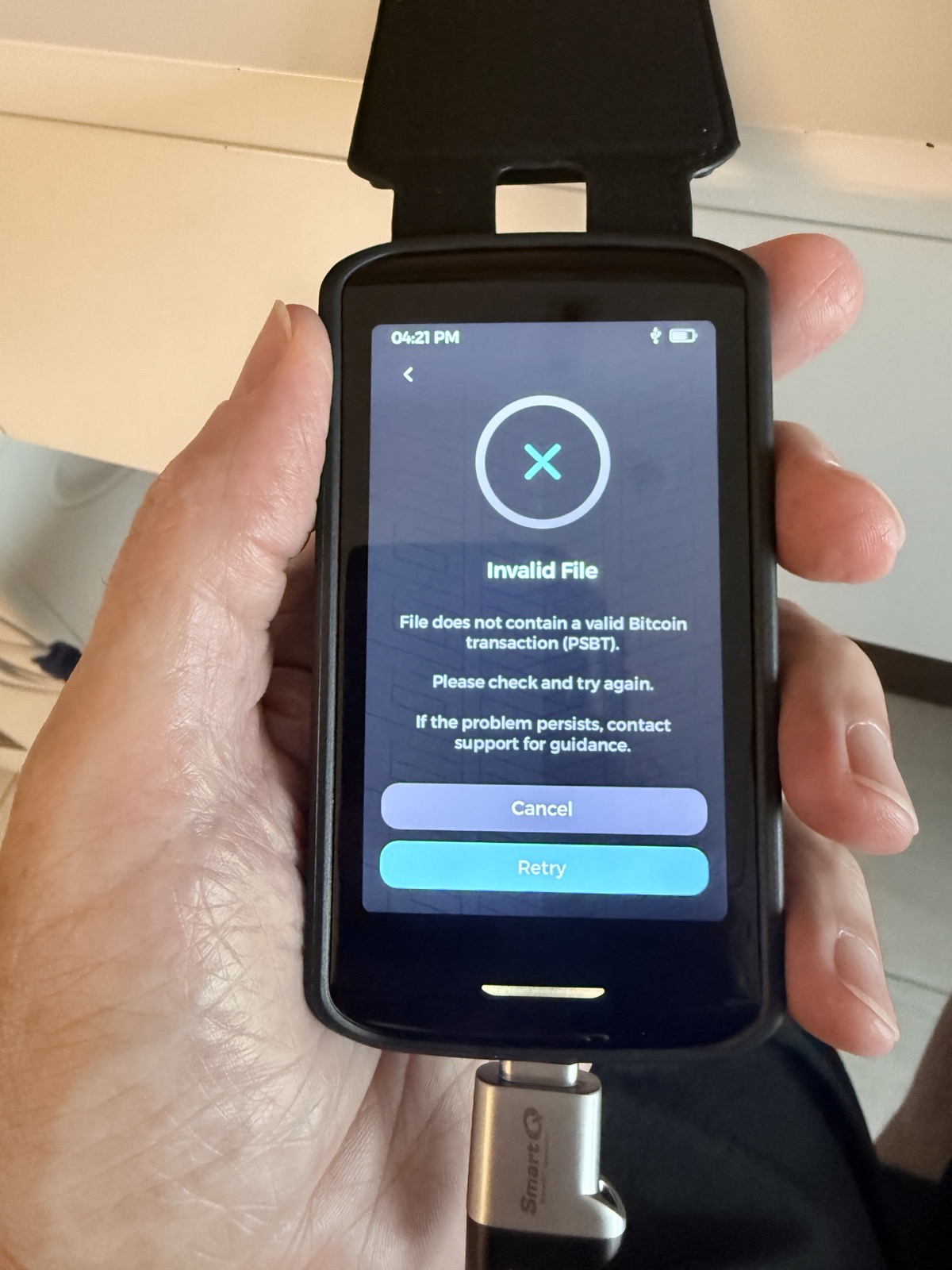
The photo shows an “Invalid File” message from the Bitcoin transaction flow. Could you confirm which action brought up that screen? If copying or deleting still fails from the Files app, please send a short video showing the steps and confirm your KeyOS version so we can investigate further.
Thanks
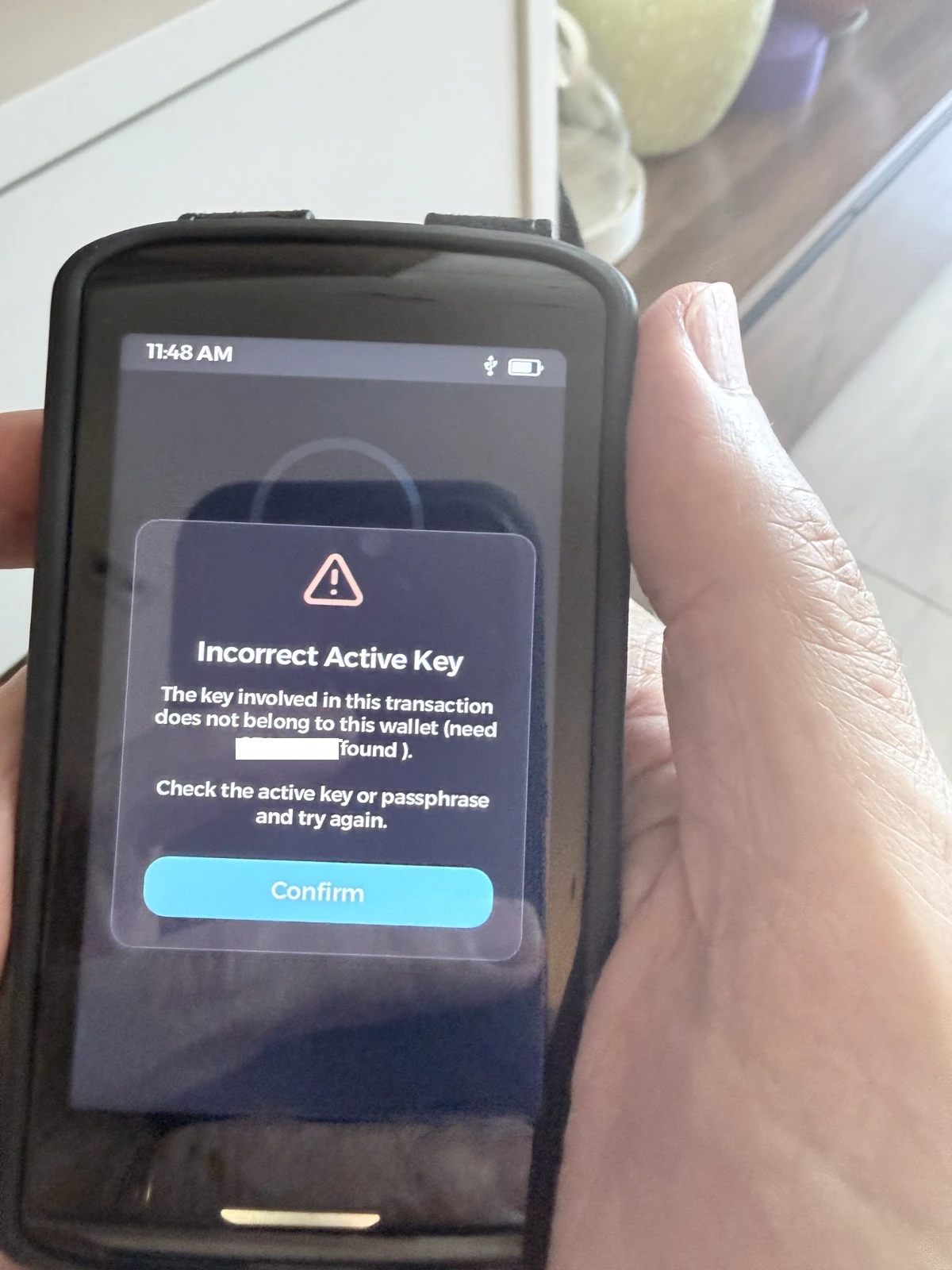
This was a transfer from my passphrase wallet. I have tried all of the methods used by your documentation. I wound up just using a QR code in Sparrow to execute the transaction. Please look at the attached. I tried pulling this transaction in my passphrase wallet but I got the error message and I know it is the correct wallet plus it was a signed PSBT! I cannot delete it and I cannot move it?
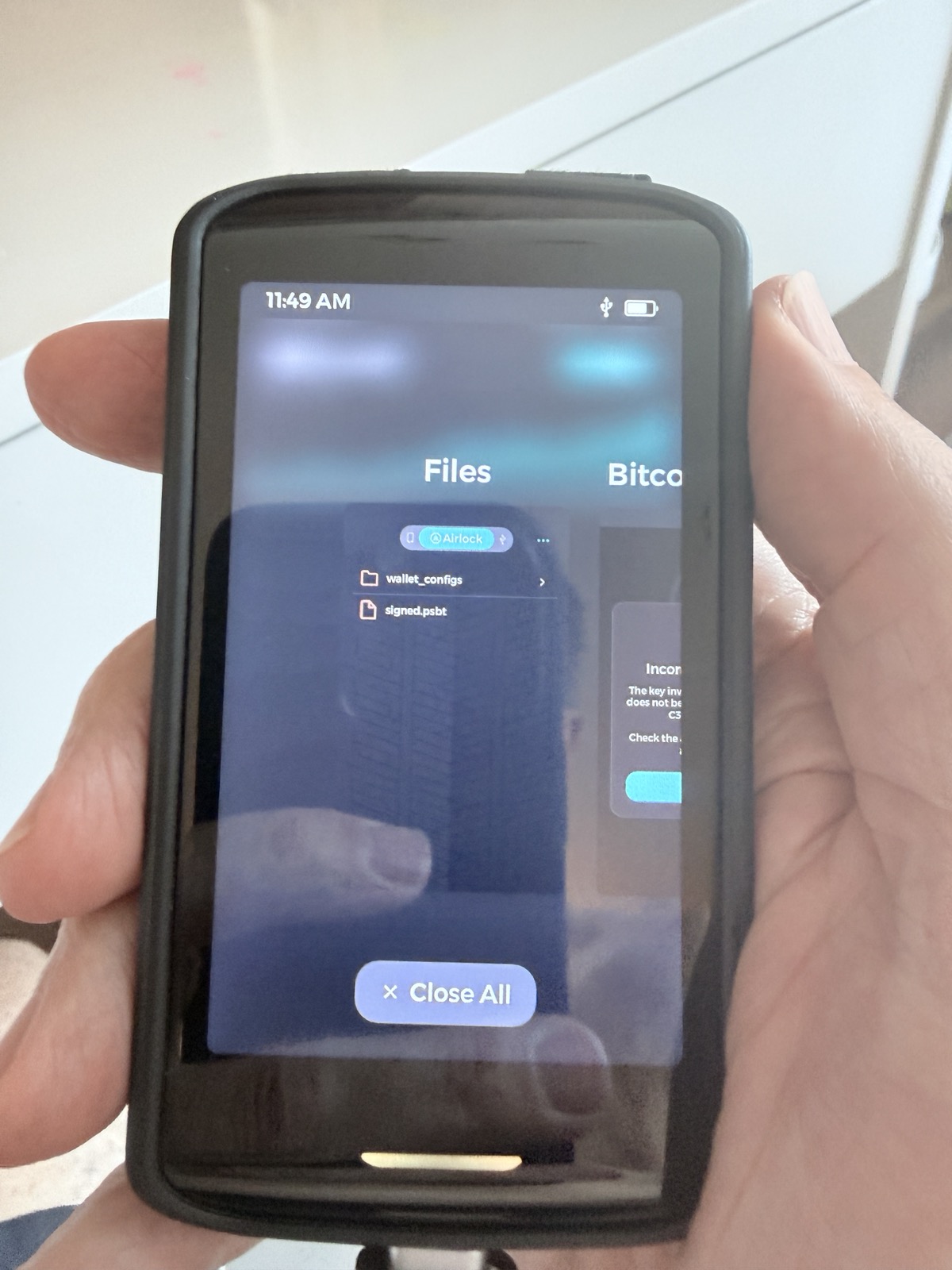
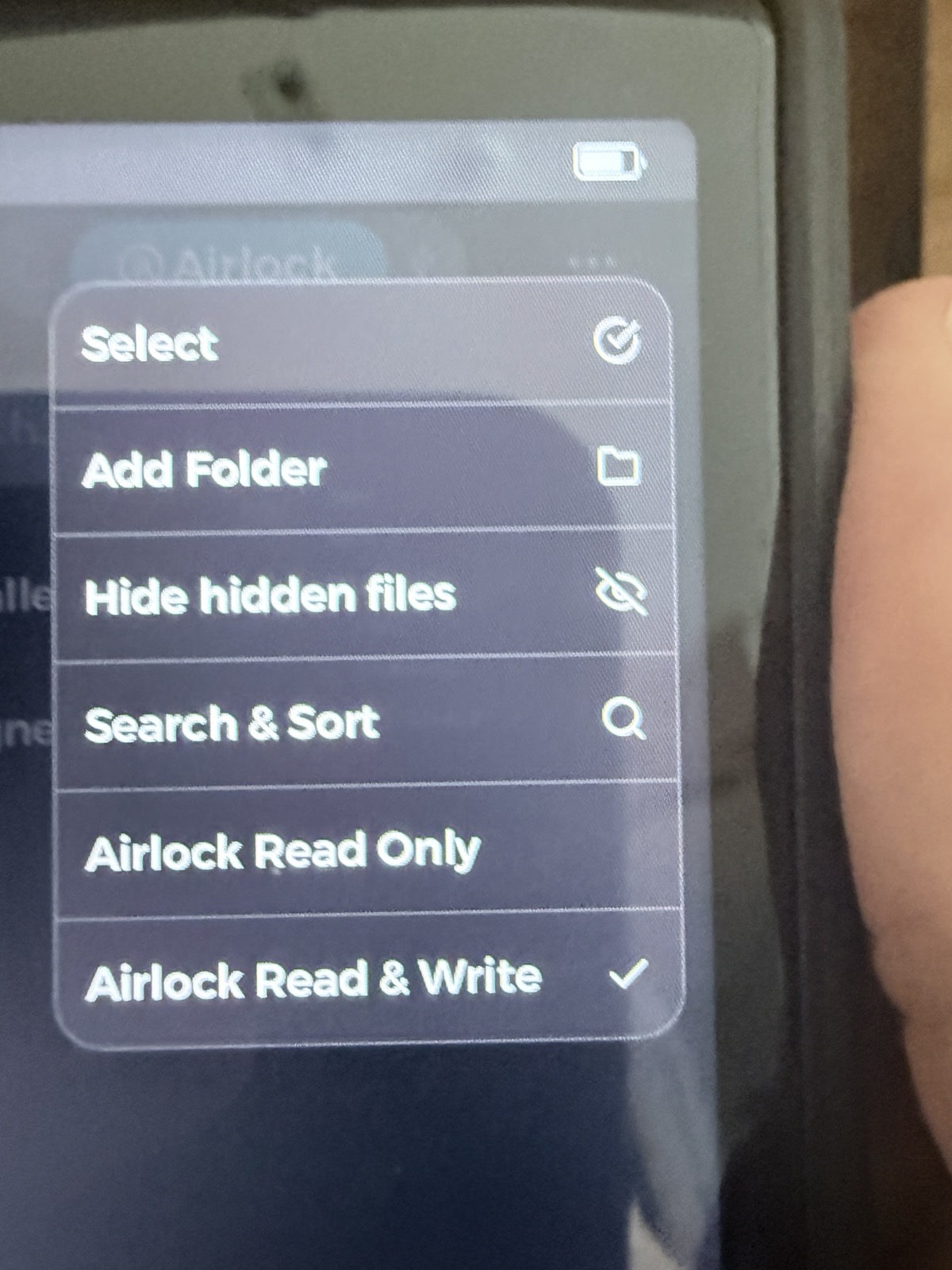
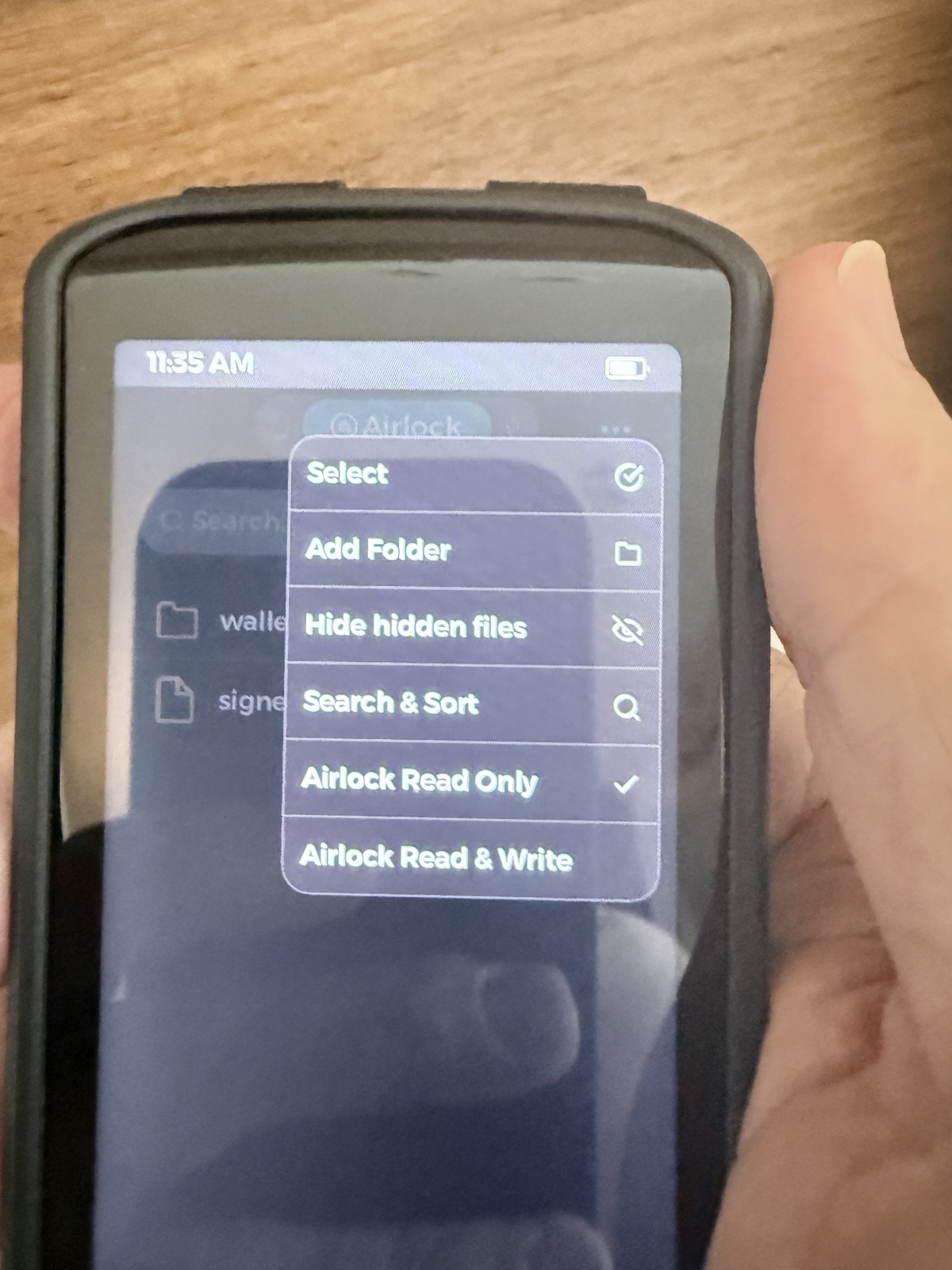
The instructions to delete were in my previous post. I’ve just filmed the steps for you.