KeyOS v1.4.0-beta1 is a pre-release build for testing. It is intended for users who are comfortable flashing firmware through recovery mode and are happy to help us test. If you’d rather wait for the stable release, no action is needed, the official KeyOS v1.4.0 release will follow.
Before you begin: as with any firmware update, and especially a beta, please make sure your backup is current before installing.
Important: in order to upgrade from this beta to the official KeyOS v1.4.0 release, you will have to follow the same recovery steps again with the v1.4.0 recovery file.
WHAT’S CHANGED
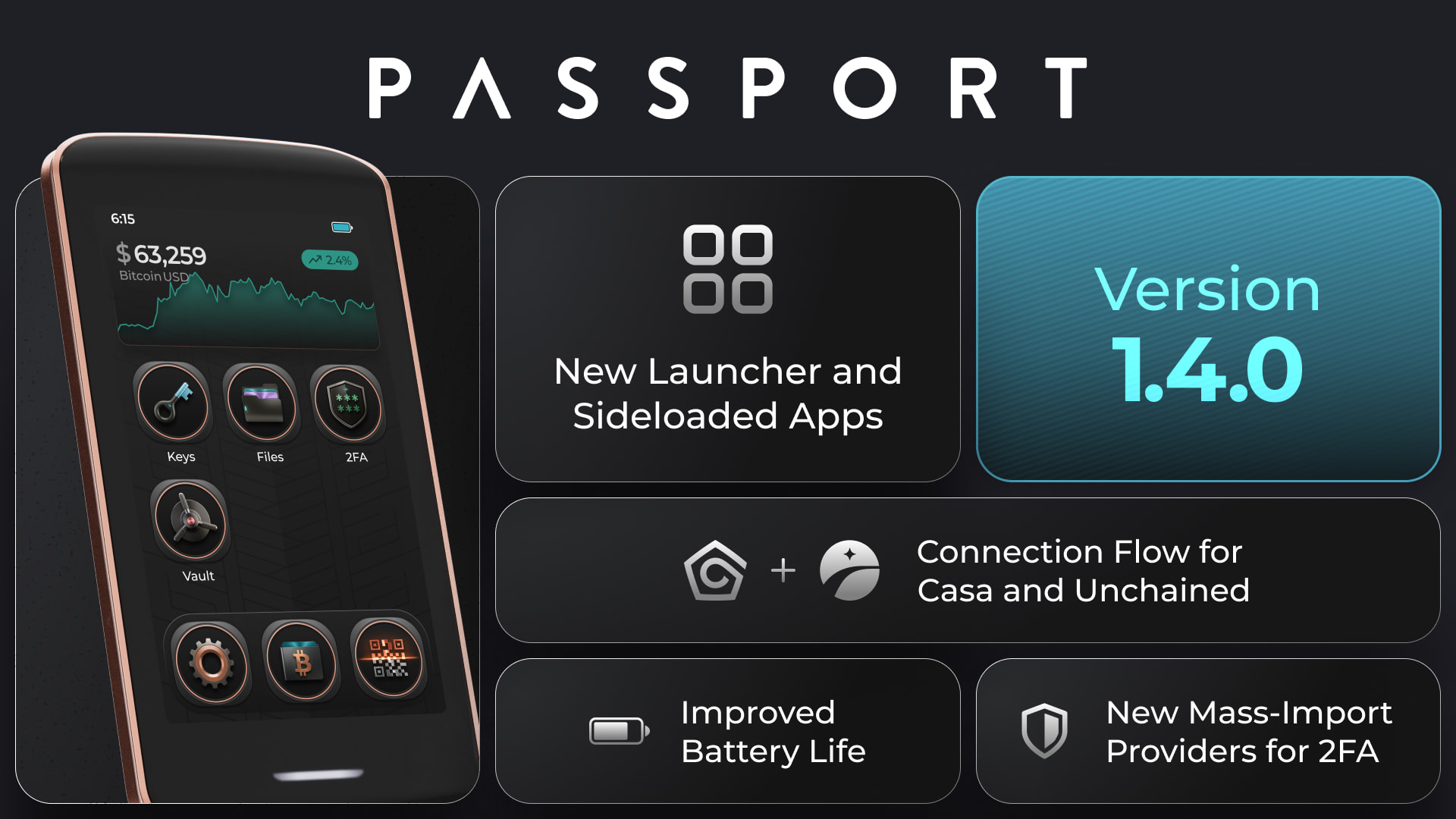
KeyOS 1.4.0-beta1 is a major release for Passport Prime, headlined by a fully redesigned launcher. It also introduces multisig exports for Unchained and Casa, connections for Bitcoin Safe and Coconut Wallet, imports from Aegis and Proton Authenticator, and extensive security improvements across Bitcoin signing, multisig validation, apps and storage.
NEW FEATURES
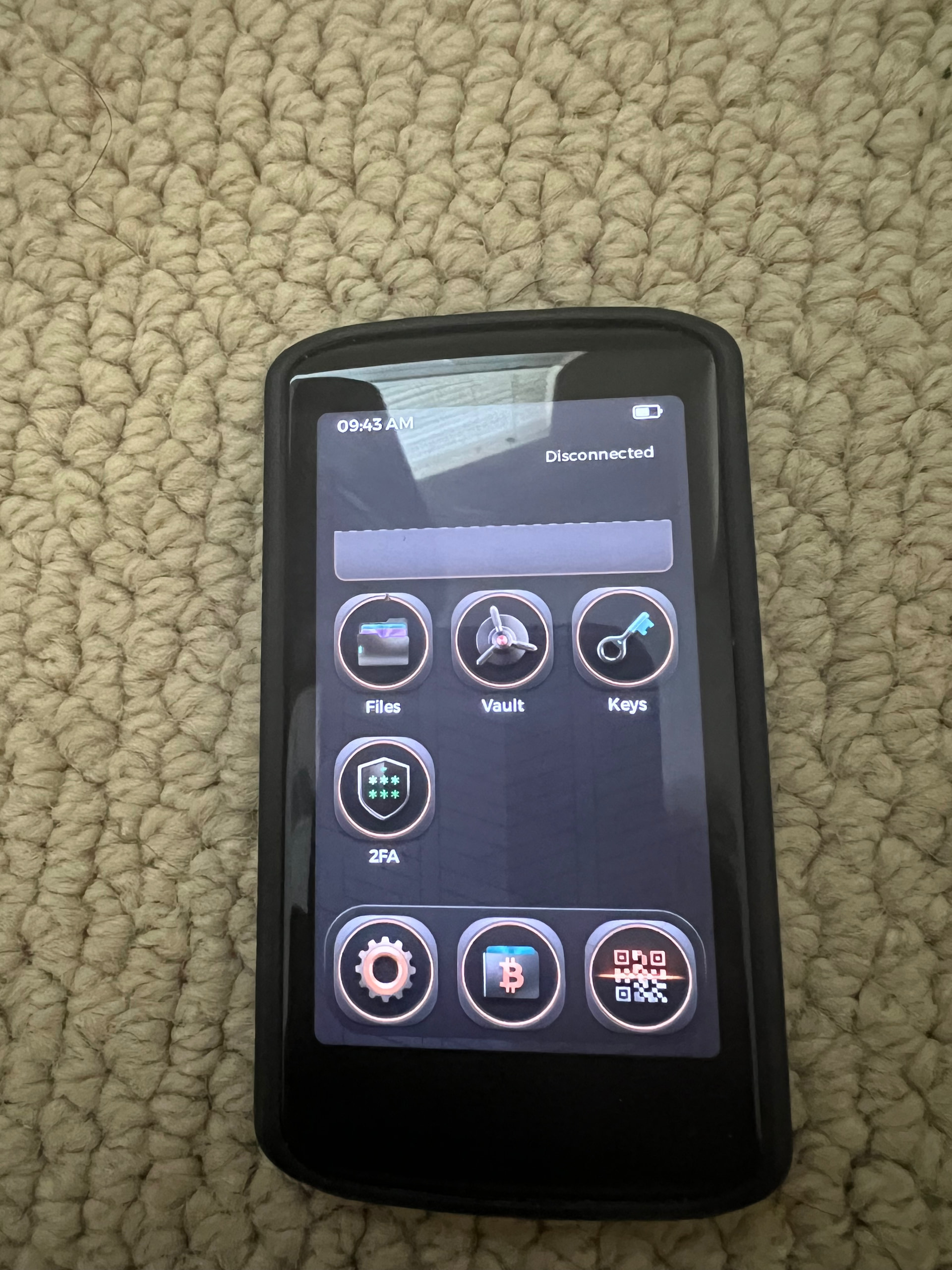
The launcher has been fully redesigned, with brand-new app icons, an overhauled light-pattern background and icon dock, customizable app icon placements, and a smoother unlocking animation
You can now sideload third-party apps directly from Settings > Apps with a new install button. This feature is available in the new Apps menu and is backed by an “Allowed Publishers” model that puts trust decisions in your hands. In addition, you can pick and choose the permissions for sensitive operations for these apps.
You can now export multisig wallet configurations for Unchained and Casa from the Bitcoin app, using both file and UR/QR formats
Bitcoin Safe and Coconut Wallet connections added to the Bitcoin app
You can now import existing TOTP accounts from Aegis or Proton Authenticator by QR code or file, including password-protected encrypted exports
You now have to enter your PIN before Passport Prime shows your seed words, adding an extra safety step to the seed reveal flow
There’s a lot more in this one, every improvement and bug fix is listed in the full release notes on GitHub.
HOW TO UPDATE, read carefully, this beta installs through recovery mode
You will need: the beta file and an external drive, a microSD card or USB flash drive. If your drive is microSD or USB-A, you will also need a USB-C adapter.
Download KeyOS-v1.4.0-beta1-Recovery.bin to an external drive (microSD card or flash drive) — This can be found on the release notes linked above.
Turn on your Passport Prime
While the Foundation logo is being displayed during boot, tap the power button repeatedly — this should bring you to the Boot Menu
Select “Recovery” — this will bring you to the Firmware Recovery menu
Tap Firmware Recovery
Connect the external drive to the USB-C port on Passport Prime (you will need a USB-C adapter if you saved to a microSD card or USB-A drive in step 1)
Select KeyOS-v1.4.0-beta1-Recovery.bin saved during step 1
Note: in order to upgrade to the official KeyOS 1.4.0 release, you will have to follow the same steps again with the 1.4.0 recovery file.
Found a bug, or something that doesn’t feel right? Please reply in this thread, that’s exactly what this beta period is for.
Passport Prime feels like an increasingly large and complex platform, and in my view it has lost some of the focus and predictability that made Passport Core so appealing.
Core is purpose-built, focused, and mature. Prime, by comparison, is trying to do many things at once — Bitcoin signing, authentication, apps, keycards, backups, third-party apps, and more. That ambition is interesting, but complexity inevitably increases the attack surface and makes long-term reliability harder to achieve.
My biggest concern, however, is the current dependence on Envoy for important backup and recovery workflows. I think that is a fundamental design mistake. A self-custody device should remain fully sovereign on its own: I should be able to set it up, back it up, wipe it, recover it, and use it indefinitely without depending on a companion phone app or another piece of Foundation software.
Envoy can be a useful optional convenience layer, but it should never be a requirement for the device’s core security and recovery functions.
For a product built around self-custody and sovereignty, the Prime itself should ultimately be self-sufficient.
Passport Prime hasn’t lost its focus. Passport Prime is a platform. That is the entire point of the product.
Passport Core was designed as a focused Bitcoin signing device. Passport Prime was designed to protect far more of a person’s digital life: Bitcoin keys, security credentials, 2FA accounts, encrypted files and, now, applications running with user-controlled permissions. These are not unrelated features being bolted onto a hardware wallet. They are different applications of the same principle: sensitive data and approvals should remain under the user’s control on trusted hardware.
More capability does require more engineering and a stronger security architecture. We do not pretend otherwise. That is why KeyOS uses application isolation, explicit permissions, publisher controls and an opt-in Developer Mode. The answer is to build the platform securely, not to turn Passport Prime into another Passport Core.
The point about independent backup and recovery is fair. A user can already restore their Bitcoin master key without Foundation holding it, and manual Keycard backups do not require an Envoy-held recovery share. Fully restoring all device settings and application data without Envoy is not yet complete. That is a capability we intend to deliver, not a change in Passport Prime’s direction.
It is completely reasonable to prefer a narrow, single-purpose Bitcoin signer. Passport Prime is deliberately not that product. It is a personal security platform that includes an excellent Bitcoin hardware wallet, and KeyOS 1.4 is an important step toward the product Passport Prime was always intended to become.
Specific bugs, security concerns and beta feedback are welcome. But the expansion into apps and broader digital security is not scope creep. It is the roadmap.
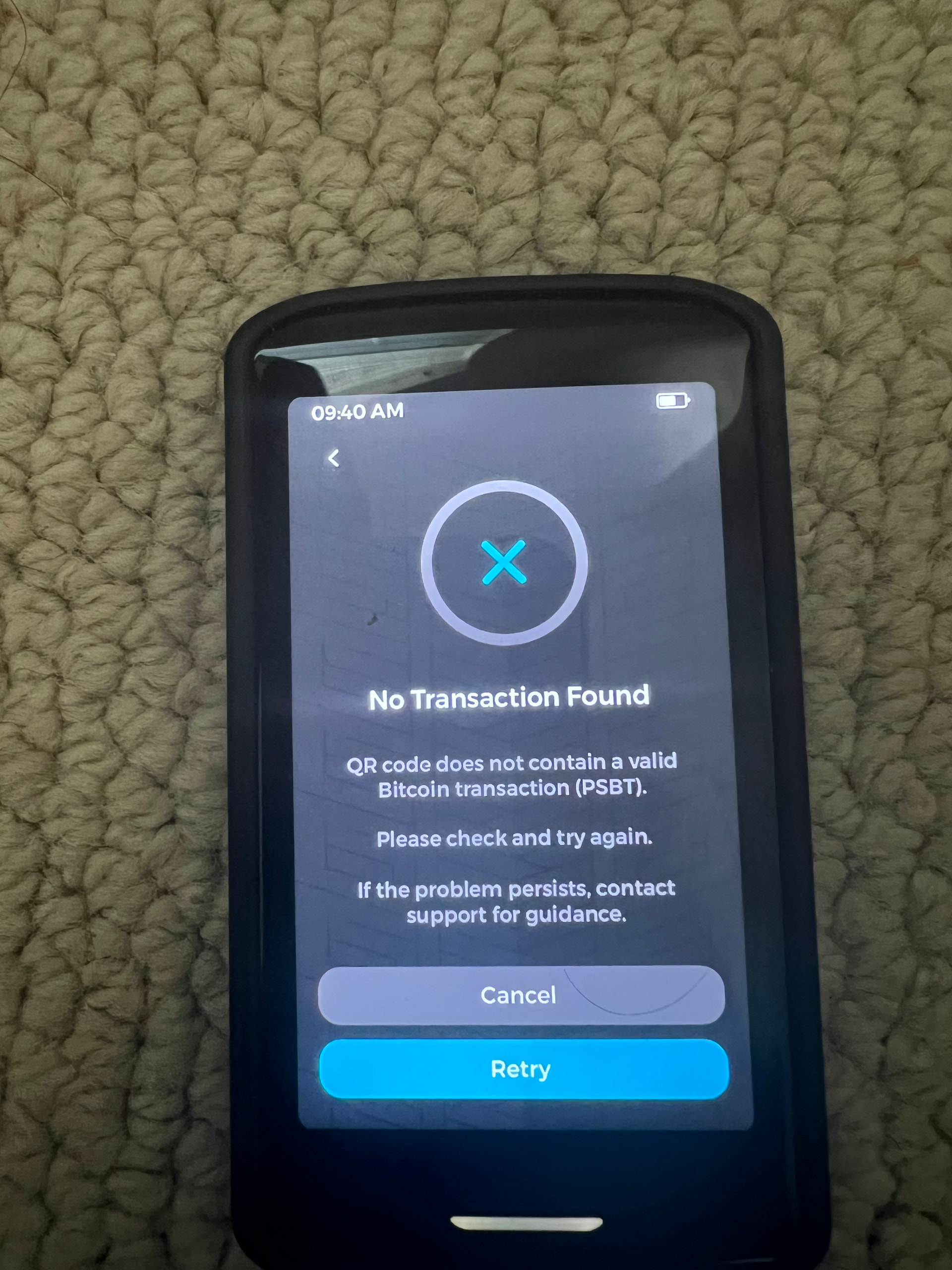
Having an issue with signing transactions. Error message reads “No transaction found. QR code does not contain a valid Bitcoin transaction.” Did not have this issue on previous build.
 THIS IS A BETA RELEASE.
 HOW TO UPDATE, read carefully, this beta installs through recovery mode