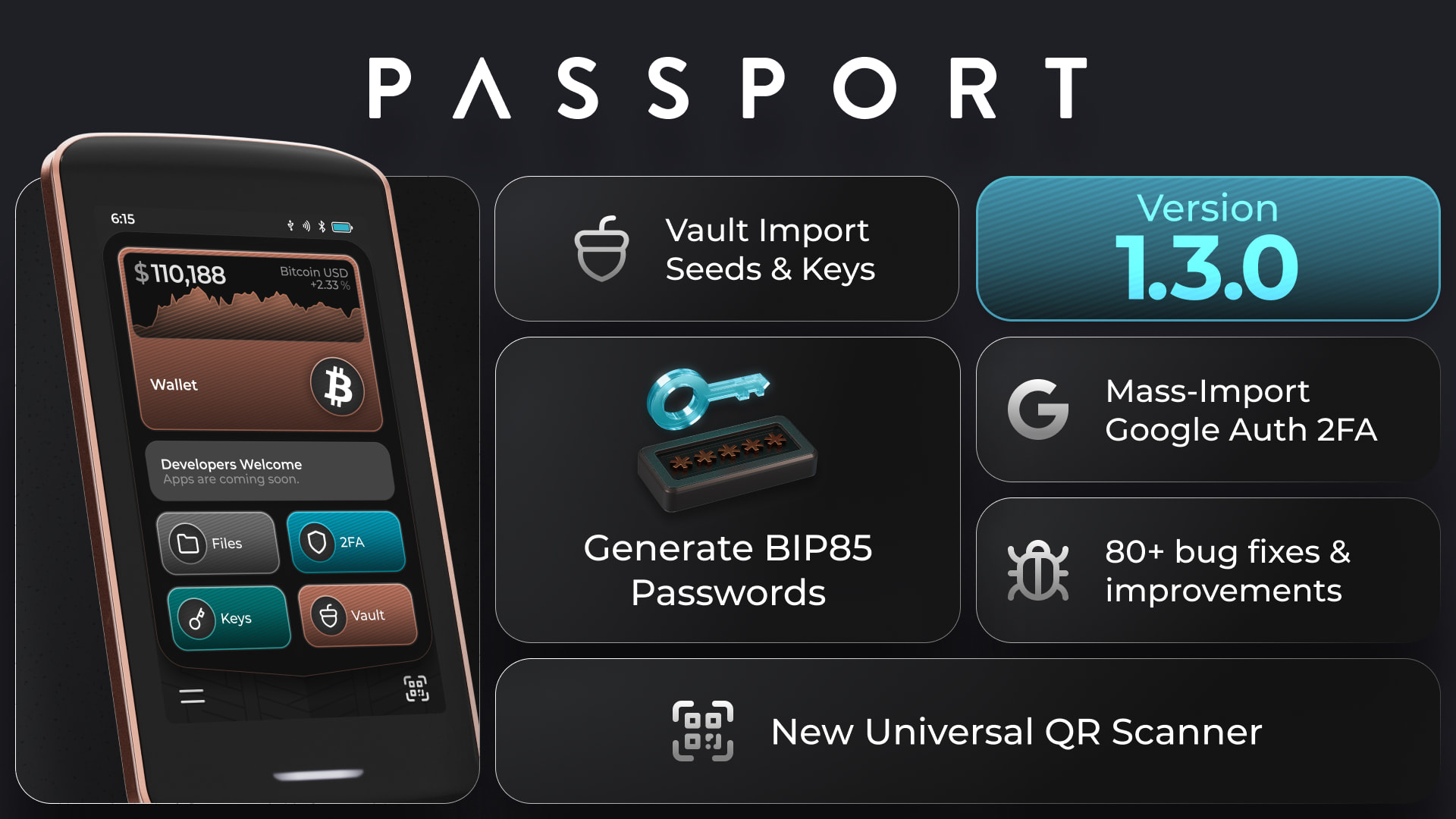
We’re excited to release KeyOS v1.3.0, a major update packed with new features, performance improvements, and fixes across Passport Prime.
New features
 Import external Bitcoin seeds into Vault
 Import Nostr keys into Vault
 Generate BIP85 passwords, with advanced controls for the index and password length
 Mass-import 2FA codes from Google Authenticator
 Scan supported QR codes directly from the launcher with the new Universal QR Scanner
 Scrub the Bitcoin price graph to view historical prices
We’ve also upgraded the underlying QR scanner, improved performance across the file browser, keyboard, and Bitcoin price graph, and refined touch handling throughout KeyOS.
There are many more improvements and bug fixes across the Bitcoin wallet, onboarding, lock screen, Airlock, backups, security keys, connectivity, and the wider KeyOS experience.
A huge thank you to our developers for the work that went into this release, and to third-party dev, immz4, for contributing the Google Authenticator import feature.
Read the complete KeyOS v1.3.0 release notes here.
If you update, let us know what you think below!
