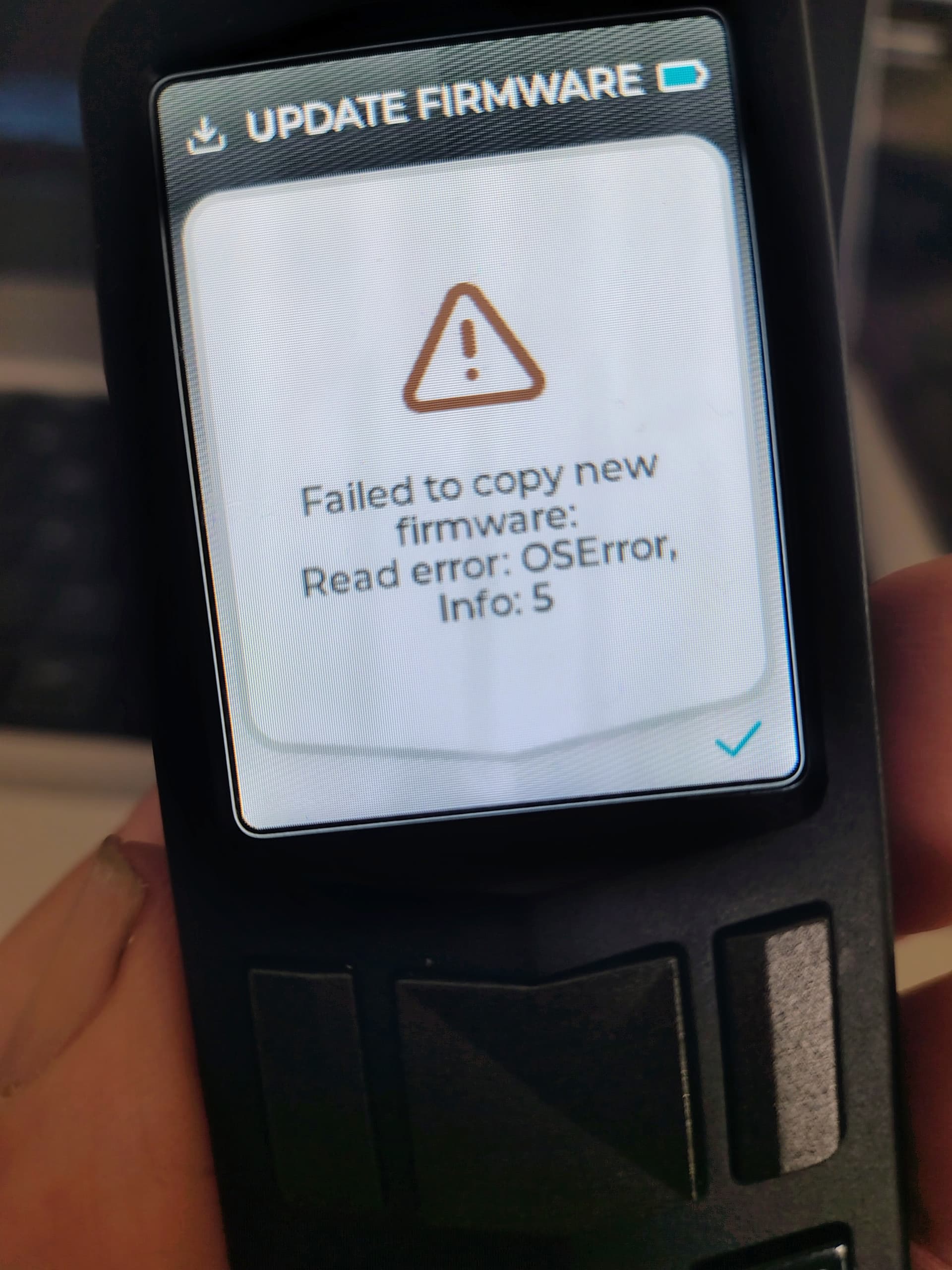
Hi. Ive tried updating to the latest firmware in my passport core. Tried the sd card via the supplied adapter and an after market sd card reader. Tried rebooting device and the process keeps failing. Tried from envoy and downloaded from github.
All sorted. i used balena etcher to format the sd card and flashed the new firmware. updated the core no problems. the card data integrity may have got corrupted when i removed the card, perhaps it didn’t eject correctly. should we keep an extra copy of the backup in case the sd card does get corrupted. is it safe to upload a backup to the cloud. I’m assuming the backup doesnt contain a copy of my private keys
Yes, it is always a good idea to keep a couple of backups copied in physically distributed places. You can just buy another off the shelf microsd card and use that to save a second copy of the backup there, and third one to do the same thing there. Then save these microSD cards in different places, so if one gets corrupted or lost, you still have access to one of the backups. It is encrytped, so it should be safe even if someone finds it - as long as you don’t store the 20 digit decryption key alongside the microSD card.
I mean, it should, since it is encrypted. However, the backup DOES contain your seed, so while it should be safe to keep in the cloud today, it isn’t best practice I would say. If a state level attacker gets your cloud storage credentials somehow they could keep a copy of the backup without you noticing and wait until quantum computing is a thing to then break that encryption for example. For the average Joe this should be safe today, it’s just not the best strategy and I wouldn’t recommend it.
I would instead recommend you make three copies in thee separate microSD cards, and you keep a copy of the 20 digit code to unlock them in your password manager for example. This way an attacker would need access to your physical location, know about this strategy and break into your password manager to access your funds. If someone gets access to your password manager today or in 20 years, they will only find 20 numbers that are meaningless on their own. Also, it is much harder for a state level attacker to know where you hid the sd cards and have physical access to them, so if this happened you would probably notice it and you could rotate the funds to a new seed, yielding the original backup useless.