I have a Passport Prime and my accounts on Envoy were stuck in updating status. Deleted the Envoy app and reinstalled it and can’t figure out how to reconnect the Prime to the Envoy wallet. On connect wallet I see multiple options but not Envoy. Thanks!
Trying to connect to Envoy 2.3.1.
Tap the + in the devices screen, then on Passport open the Menu and tap the connection status option near the top of the screen. Then scan the QR codes with Envoy.
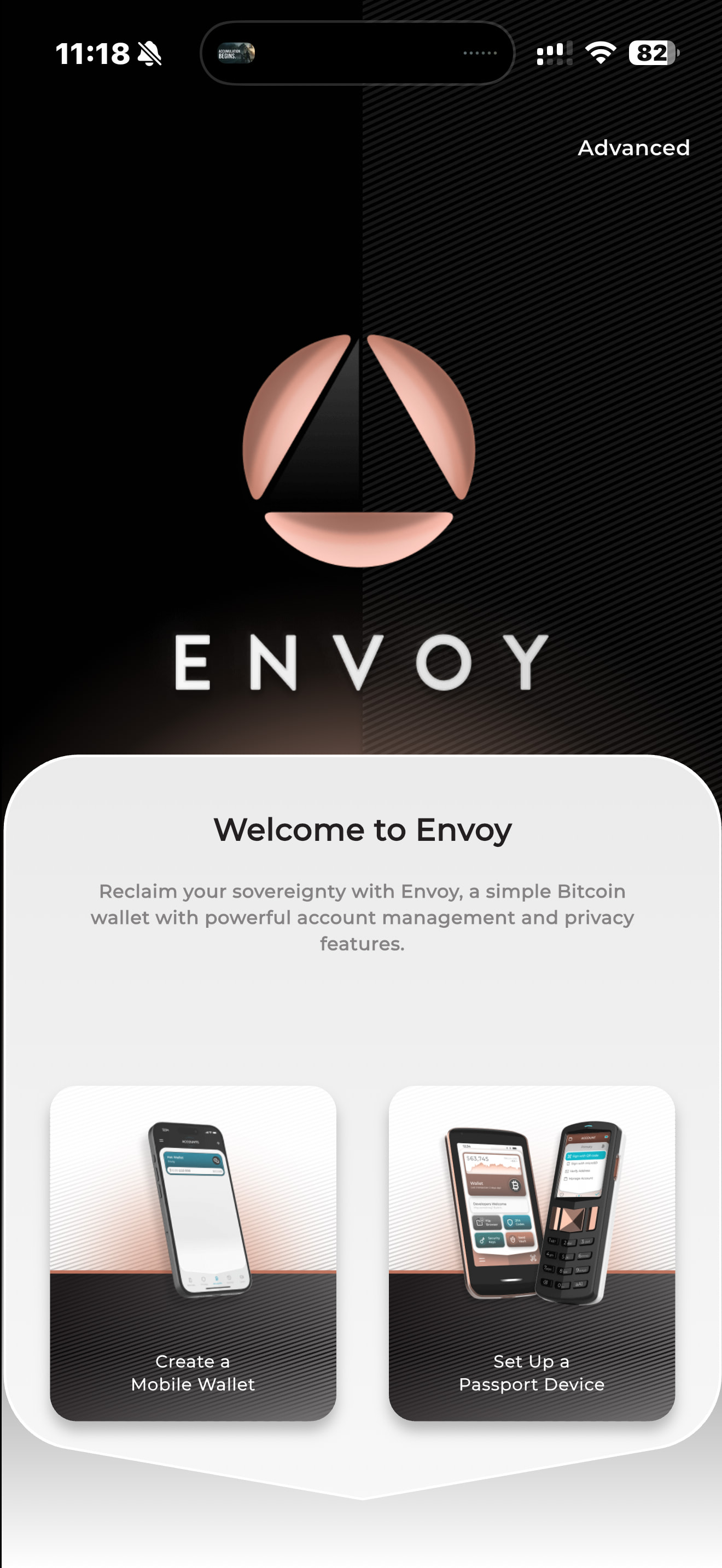
Here just tap set up a Passport device and scan the QR codes from Passport.
I tried that but it doesn’t work. How do I get the Prime to display a QR code to connect the Envoy.
I am able to connect my Prime to Nunchuk and Sparrow but can’t get a QR code for Envoy.
It’s in Passport Prime’s Settings → the first line says Envoy Connected, or Envoy not connected. If it says not connected, tap that line, if it says connected, tap that line, then tap disconnect. You should now be seeing a static QR that you should scan with the camera from the “+” menus in Envoy. Once, connected, opening the bitcoin wallet app should automatically pair the wallet to Envoy
Thanks 