Hey @pugpack33 thanks for the question and welcome to our forum! Answering your questions in bullets:
-
Migrating the seed from Passport batch2 to Passport Prime will be possible in multiple ways:
- Scanning a seedQR: You can display your batch2 master seed in seedQR or CompactseedQR formats, and import them via scanning this in Prime
- Via seed words: You can just display your 12/24 seed words in batch2 and import them manually into Prime
- Load a backup: Probably the most complete option, as it will load all the associated metadata (account numbers, names, derived BIP85 keys, their names…). Just export a backup to a microsd on batch2 and load this file on Prime via microUSB/microSD adapter if you have one, or drop it into a computer and from the computer into Prime. Prime will then ask you for the 20 digits (or 6 words if you are coming from Founders Edition) to decrypt the file.
-
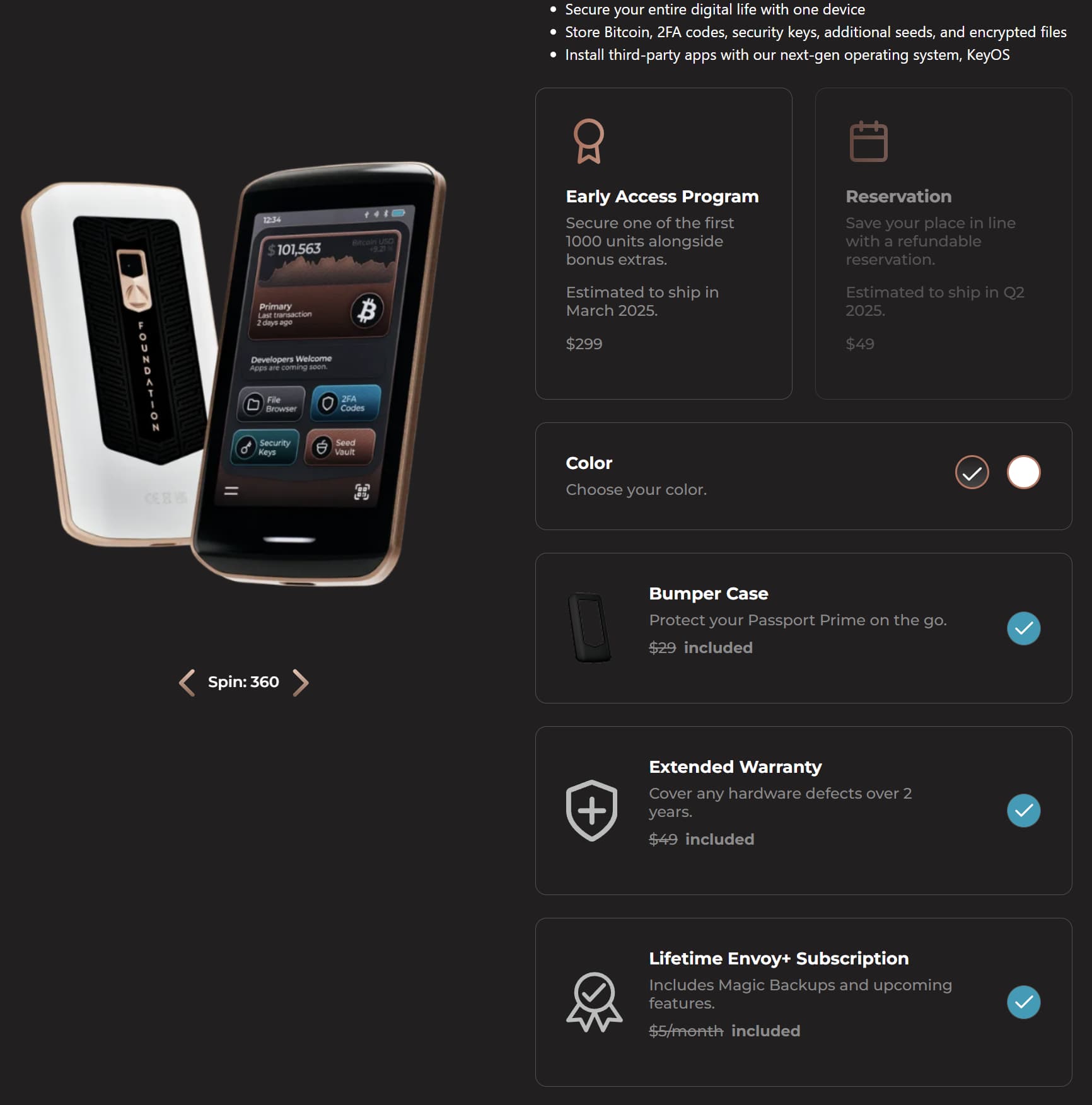
No, we do not currently plan on doing any special offers for existing Passport users. We are currently offering a special bundle for the first 1000 early adopters though, and this includes a bumper case, an extended warranty and a lifetime Envoy+ subscription